Videos
See it done, start to finish
Short videos filmed in the app on our demo businesses. Start with one of these, then pick the part you want to set up.
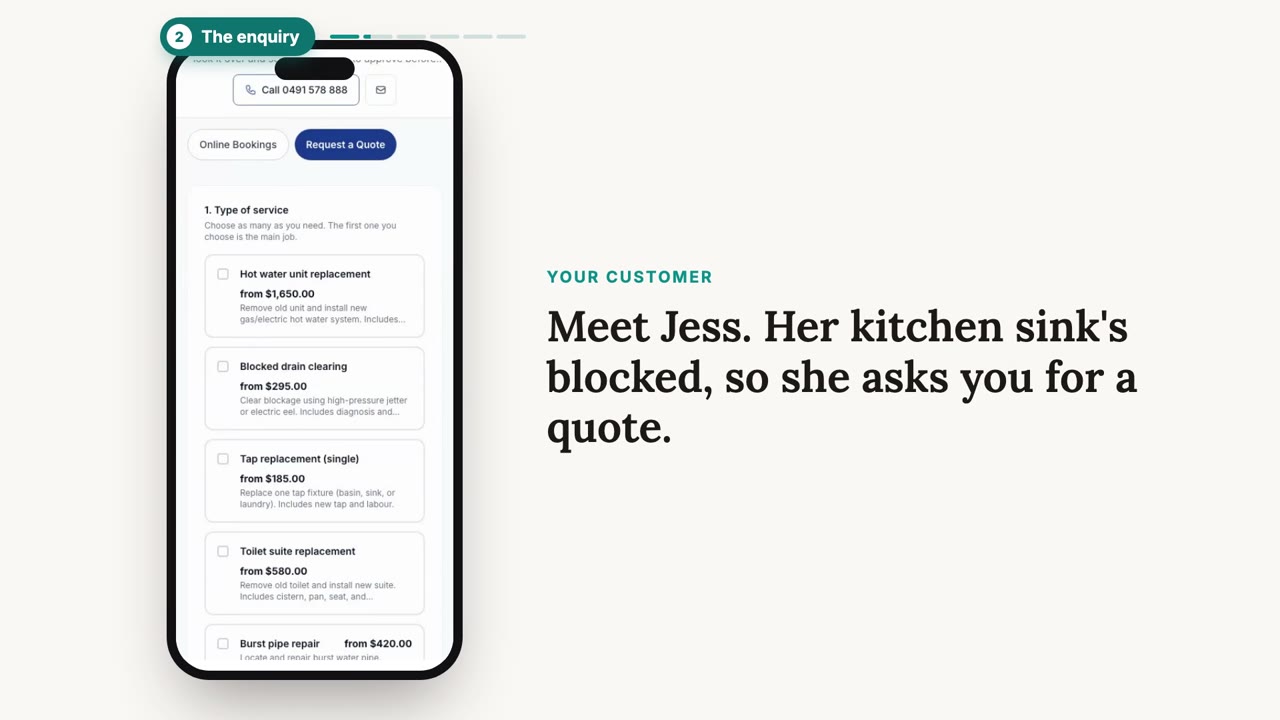
Getting started
Set up the basics
The first things every business sets up, whatever you do.
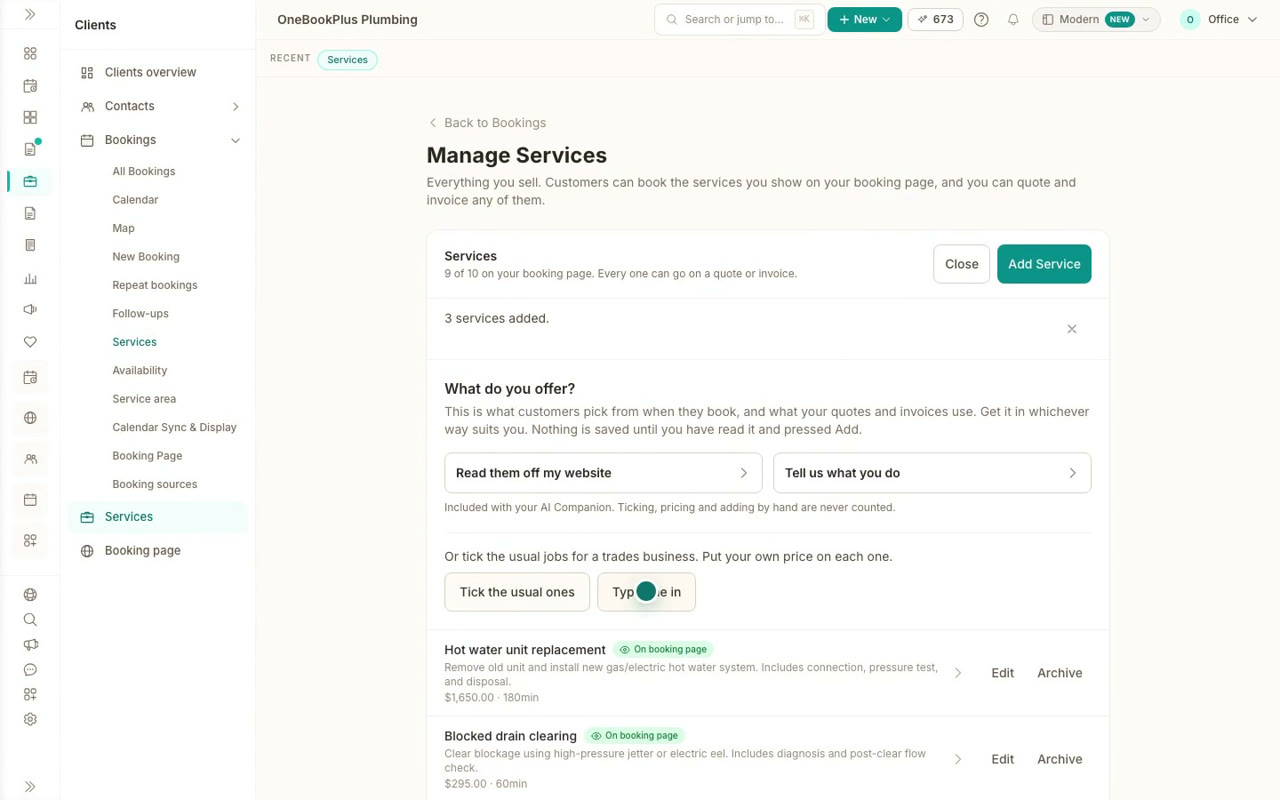 38 sec
Step 1
Create your services, every way
Add services from your website, from a sentence about what you do, from the usual jobs for your business, or one at a time. Nothing saves until you check it.
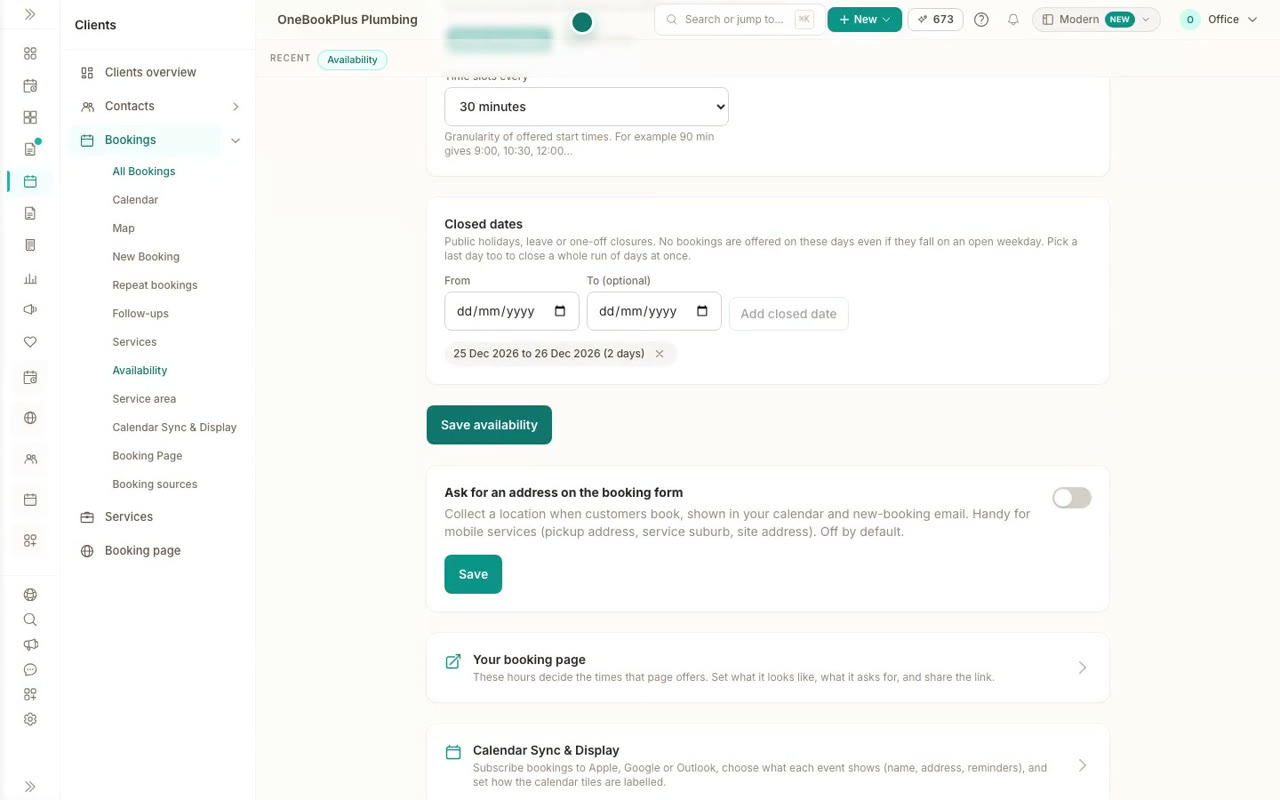 32 sec
Step 2
Set your hours and booking rules
Choose the days and hours customers can book, how much notice you need, a gap between bookings, start times and the days you are closed.
Your website
Your website, from switched on to published
Turn on My Site, let AI build the whole thing or start from your own details, then change it by typing on the page.
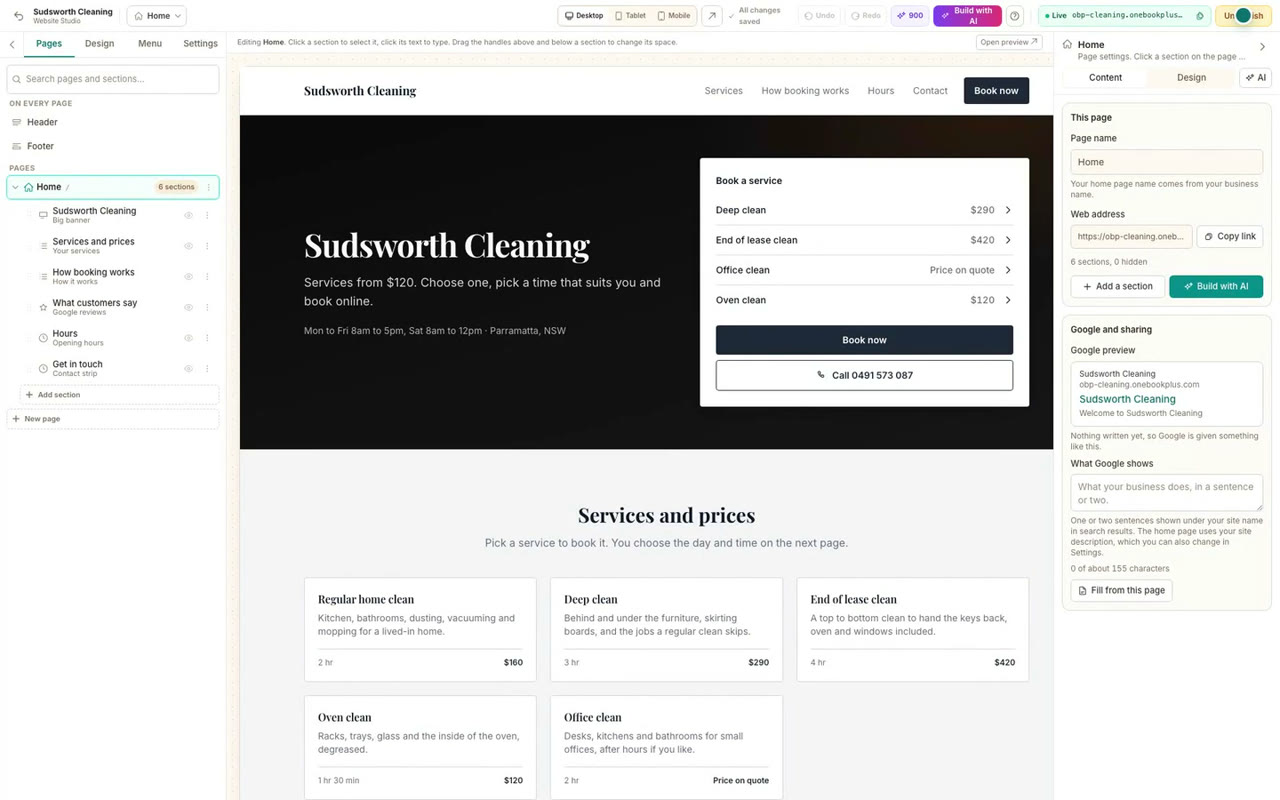 37 sec
Step 1
Turn on your website
Switch on My Site, start the home page from the services, hours and contact details already in your account, and publish it to your free web address.
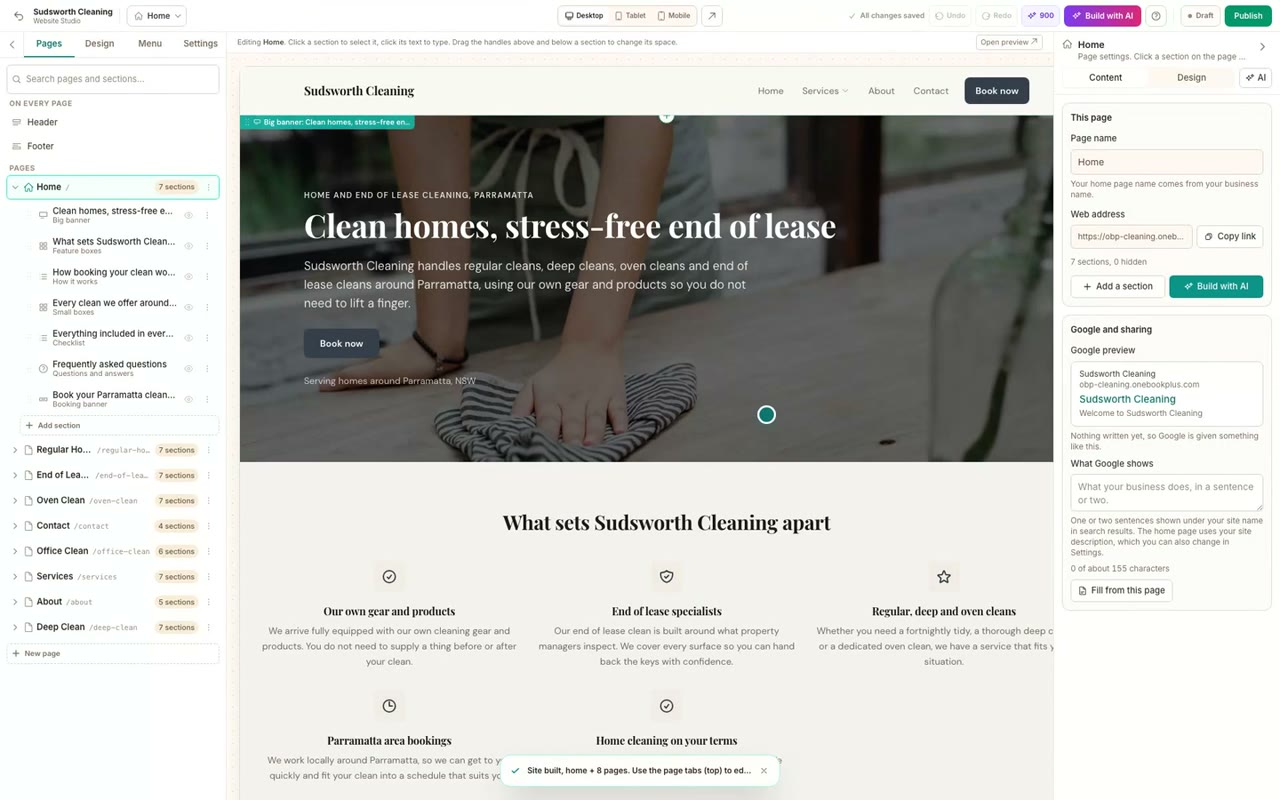 51 sec
Step 2
Build your website with AI
Tell the AI what your business does, choose what visitors should do, keep the pages you want and pick a look. Planning is free, and your first full build is included with your plan.
 38 sec
Step 3
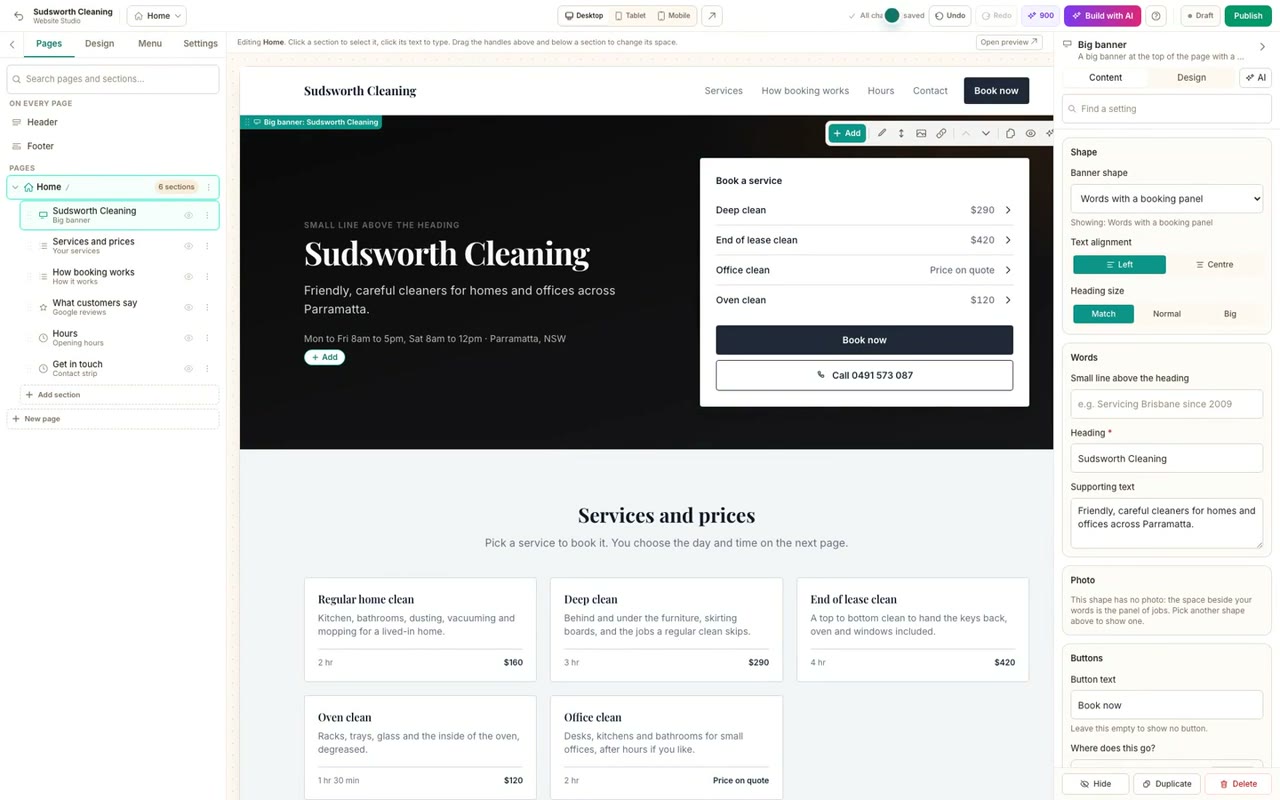
Edit your website and add pages
Change the words on any section by typing on the page, add sections from the gallery, make a new page, and publish your changes.
Booking pages
Booking pages, for any kind of business
Build a page from scratch, choose how people pick a time, take call backs or table bookings, lock a page, and share it everywhere.
 38 sec
Step 1
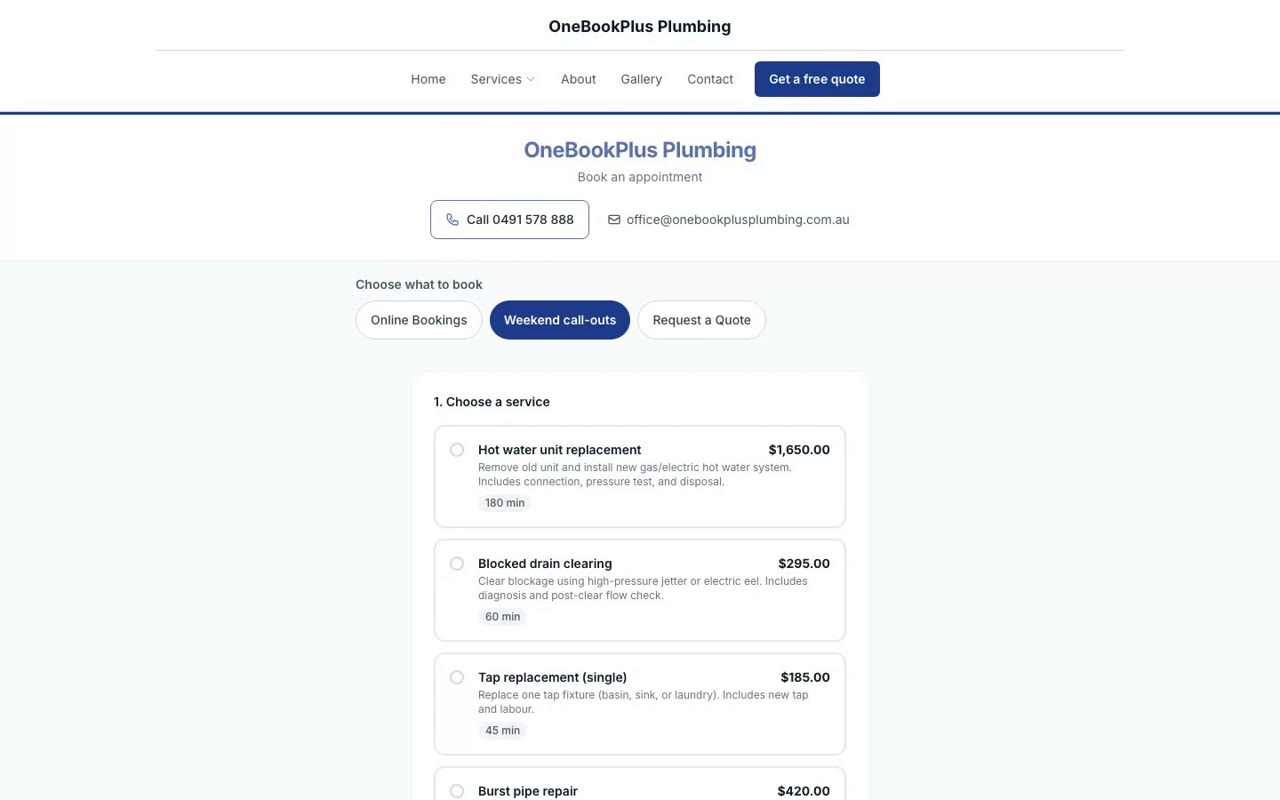
Build a booking page from scratch
Make a new booking page, choose what kind it is, pick its services and questions, and have it live with its own link.
 37 sec
Step 2
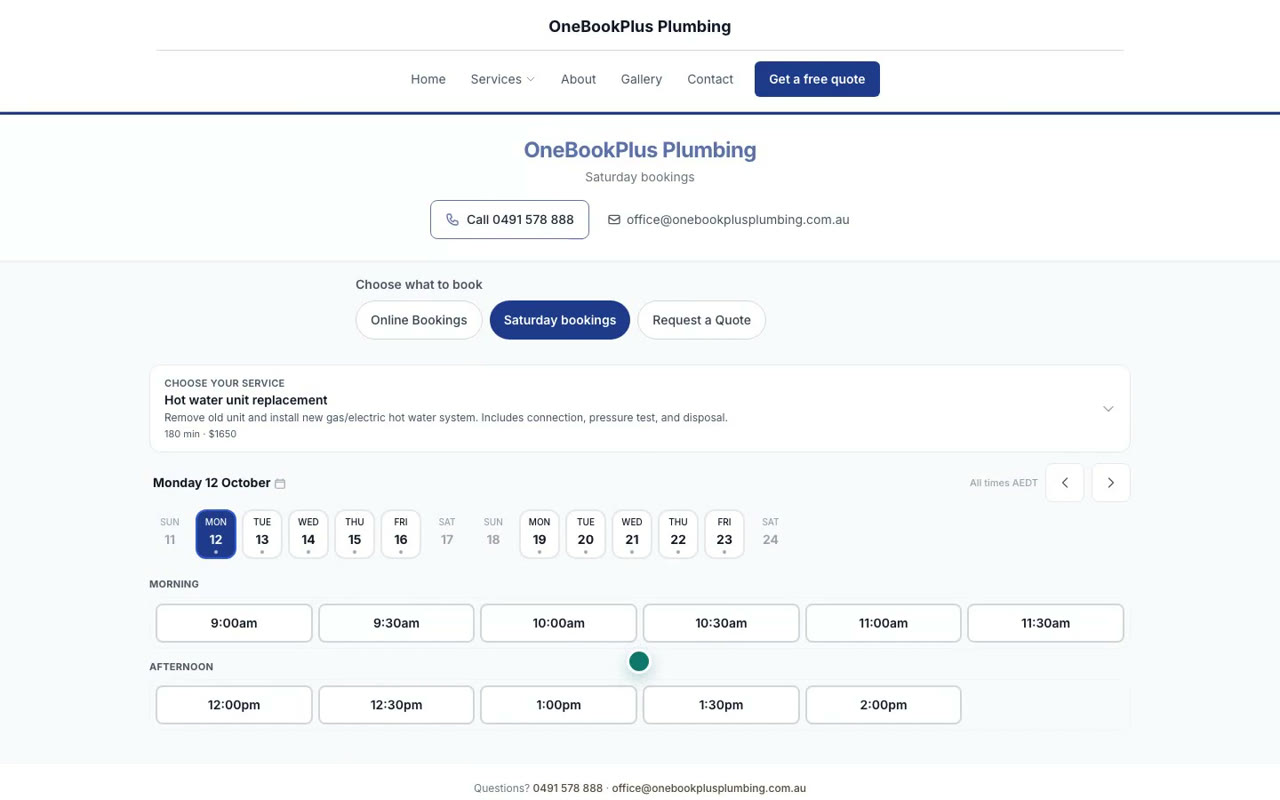
Choose how customers pick a time
Pick one of four layouts for an appointment page: a time board, a week at a glance, a simple list, or one question at a time.
 33 sec
Step 3
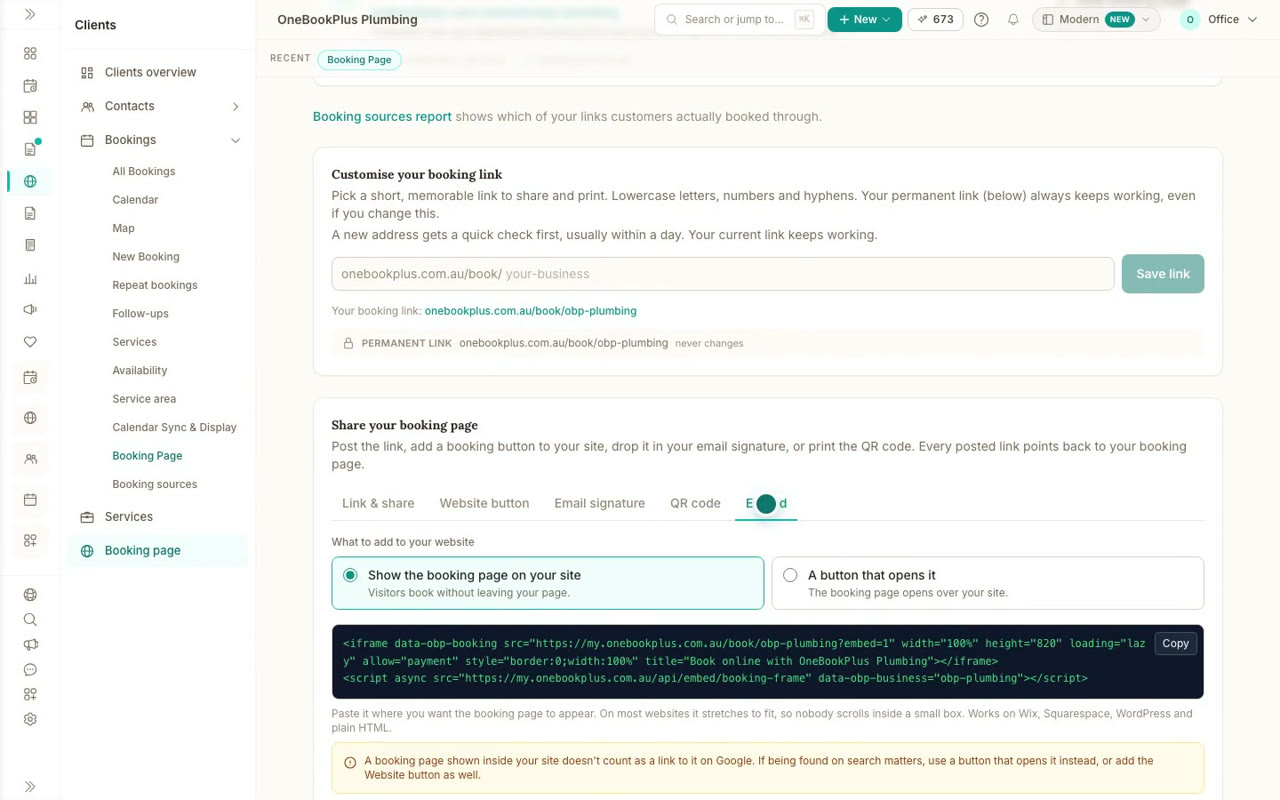
Share your booking page
Copy your booking link, add a button to your website, put it in your email signature, print the QR code, or embed the whole page.
 31 sec
Step 4
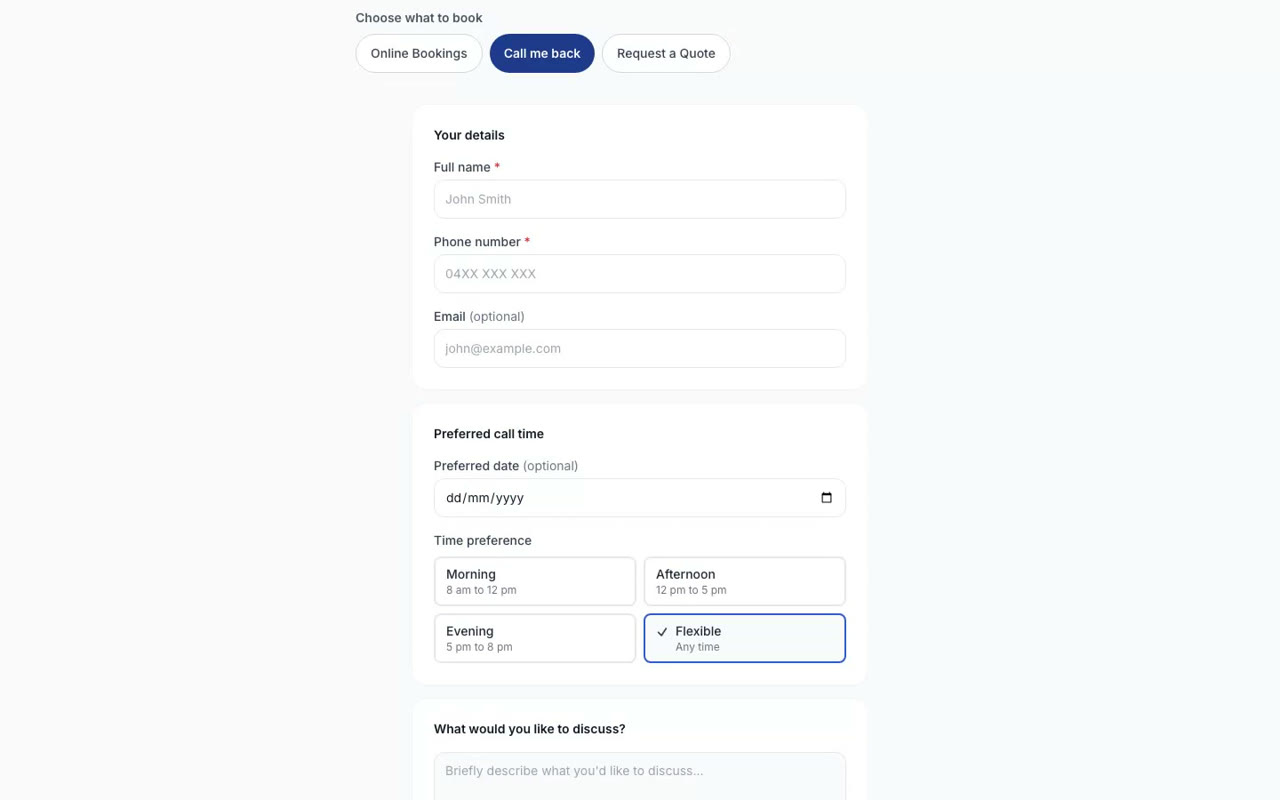
Call back pages
Make a page where customers leave their name, number, the best time to call and what it is about, with no calendar to fill in.
 31 sec
Step 5
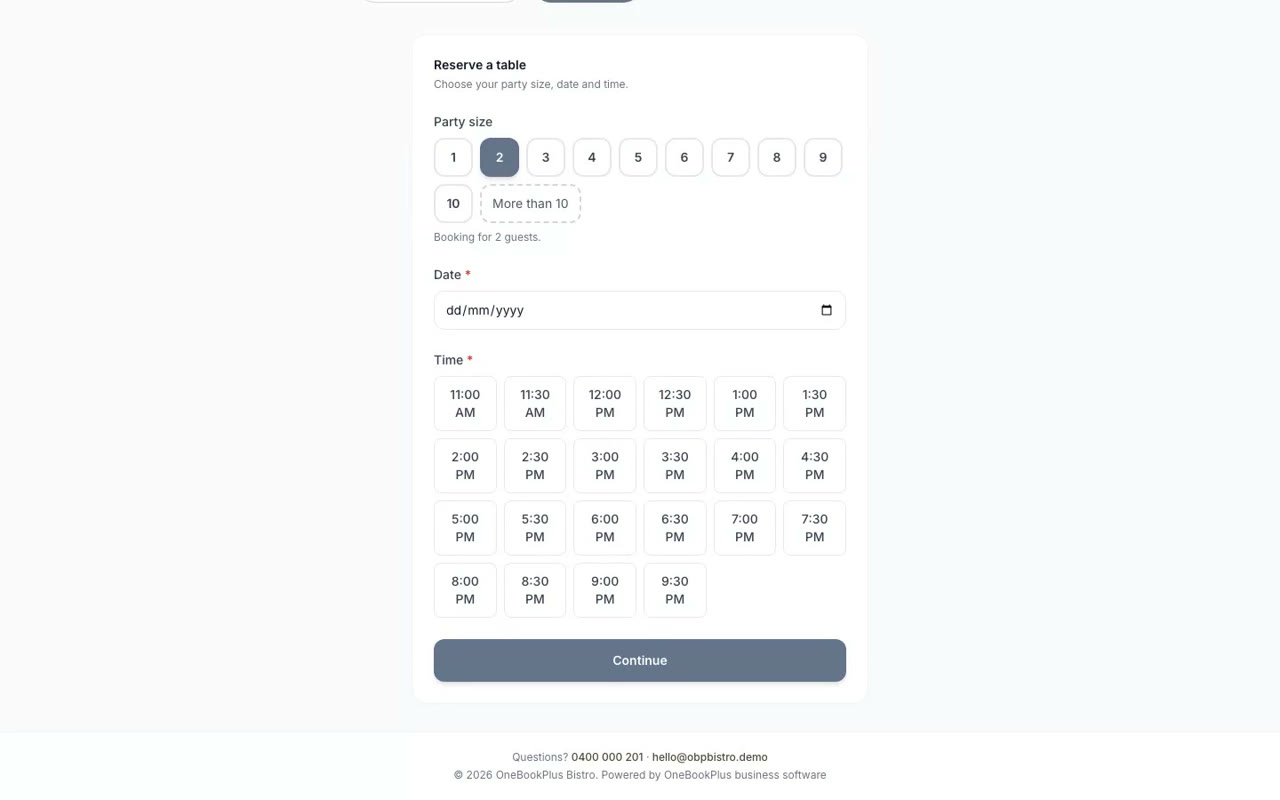
Table bookings
Set up table bookings for a restaurant or cafe: customers choose how many people, the day and the time.
 31 sec
Step 6
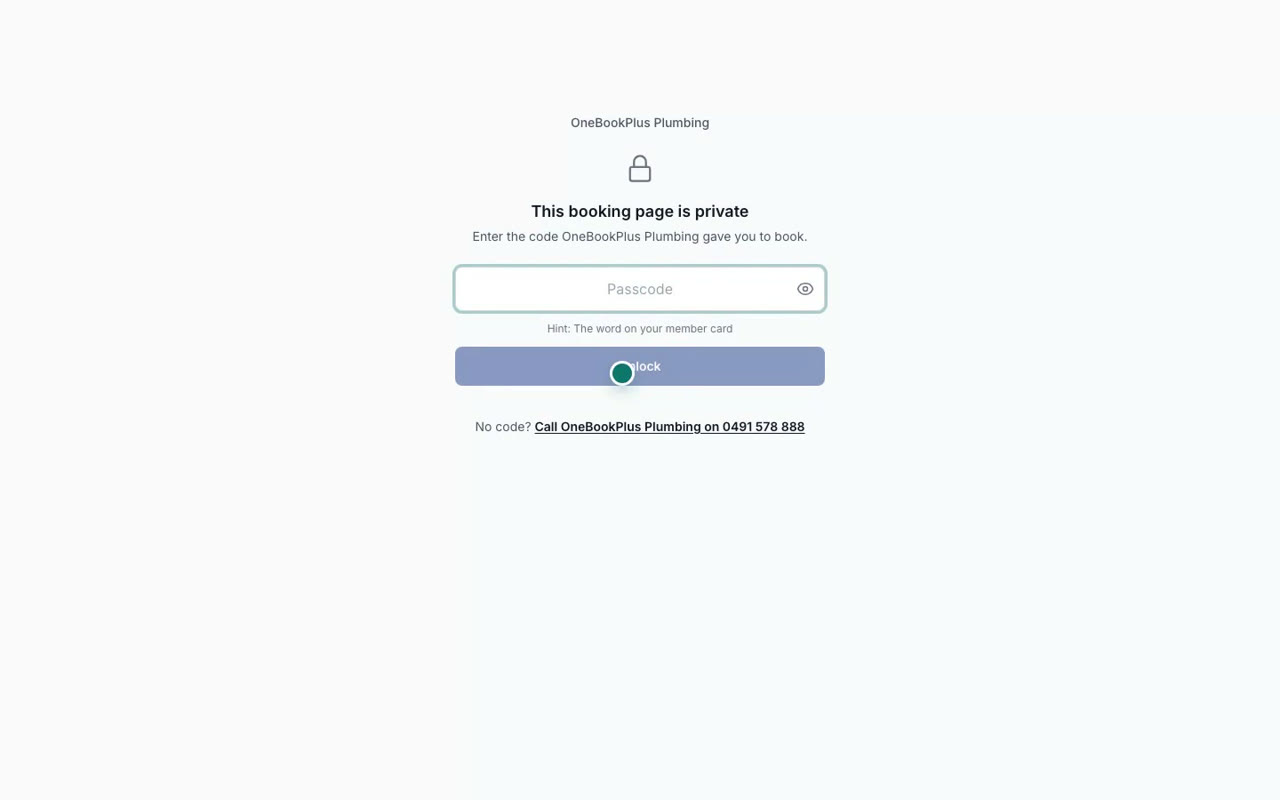
Lock a booking page with a passcode
Lock a booking page so only people with the passcode can book, with a reminder on the passcode screen. On Plus and above.
 36 sec
Step 7
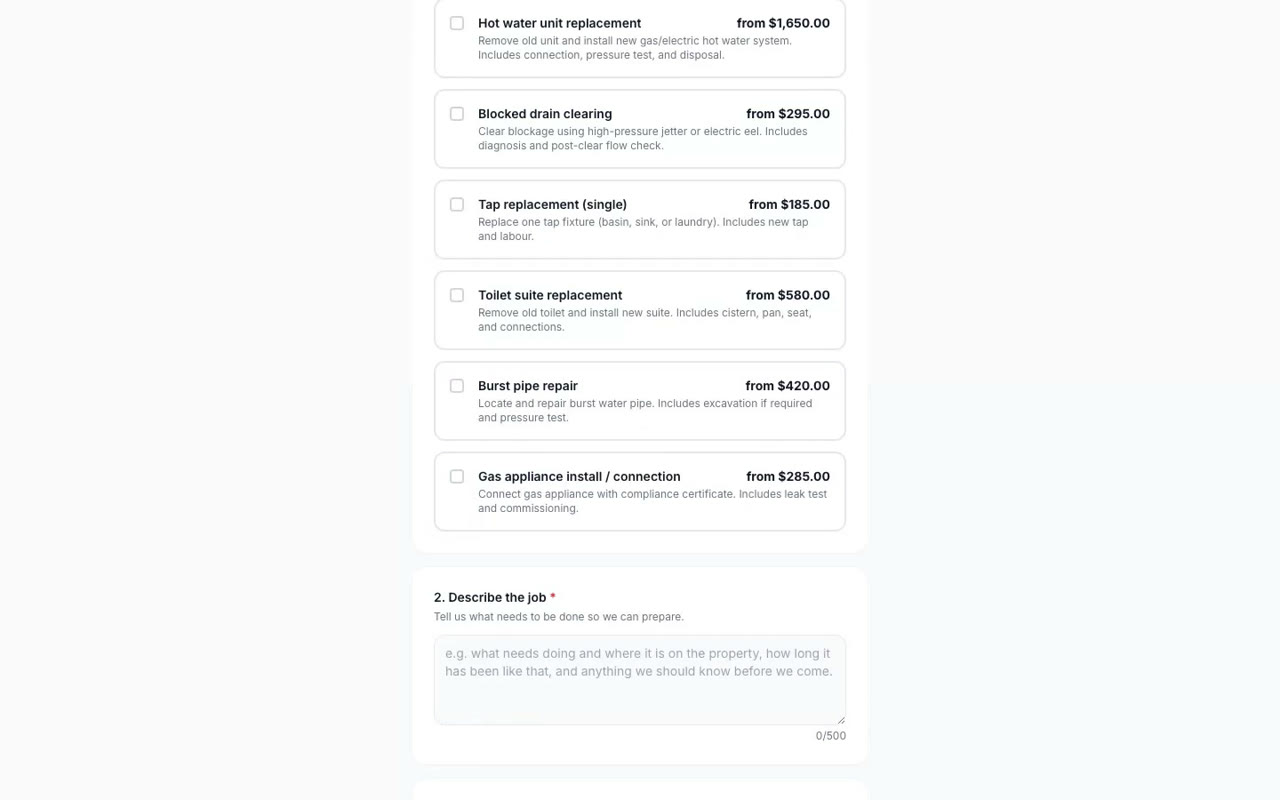
Set up your booking page
Make a booking page that takes job requests with the address and photos, switch on quote requests, and share the link.
Accounting
Your books, from a receipt to your BAS
Scan receipts and supplier bills into your books, see where the business stands, and check the GST you owe each quarter.
 43 sec
Step 1
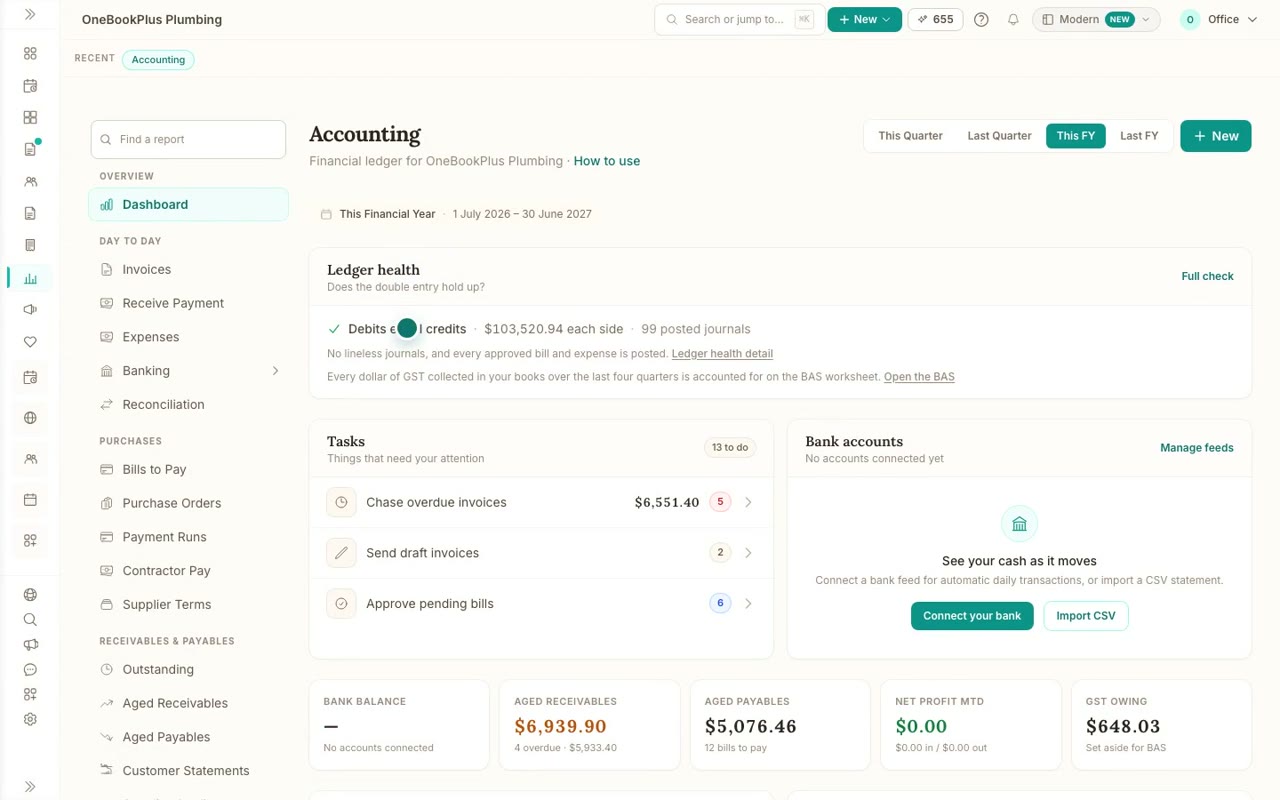
Your books at a glance
A tour of the Accounting dashboard: ledger health, the tasks that need you, what customers owe and what you owe, and adding anything from New.
 40 sec
Step 2
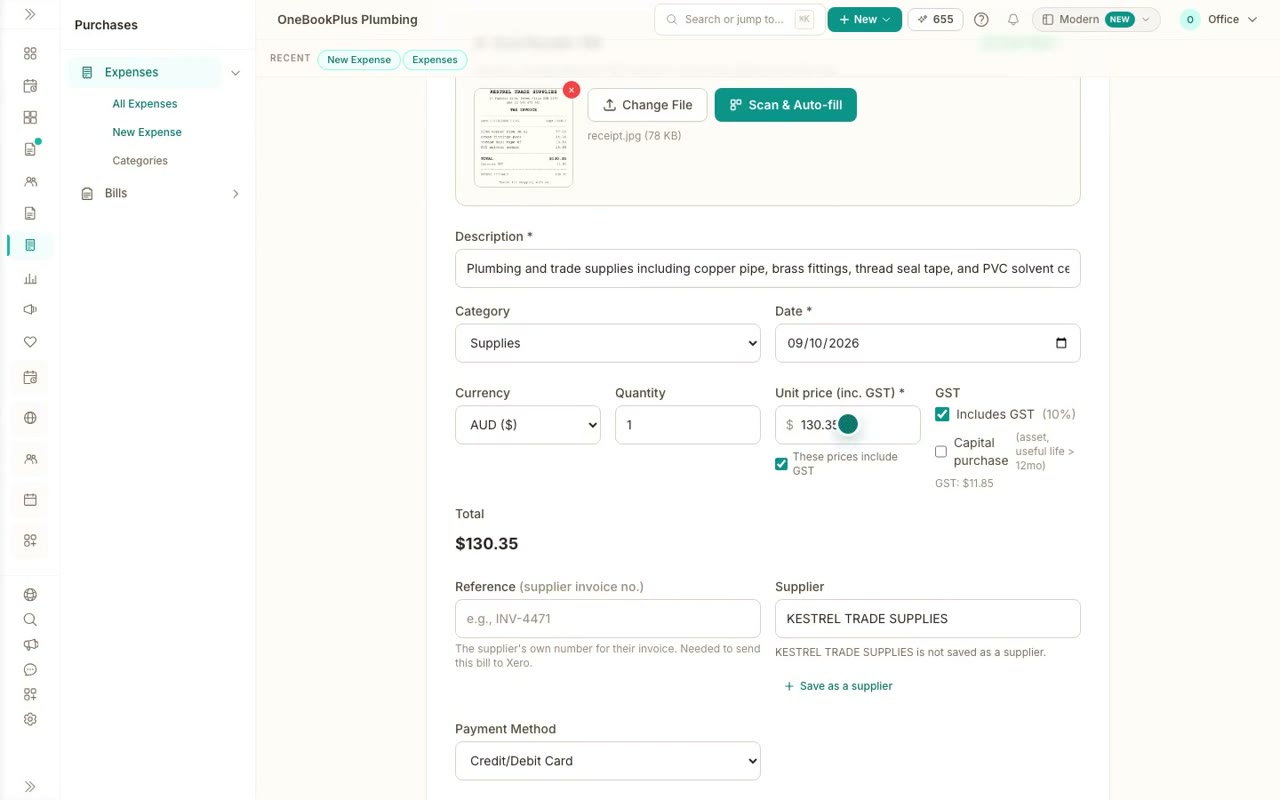
Record an expense from its receipt
Scan a receipt photo or PDF, check what it read, and create the expense as paid, with the receipt attached and the GST worked out of the total.
 43 sec
Step 3
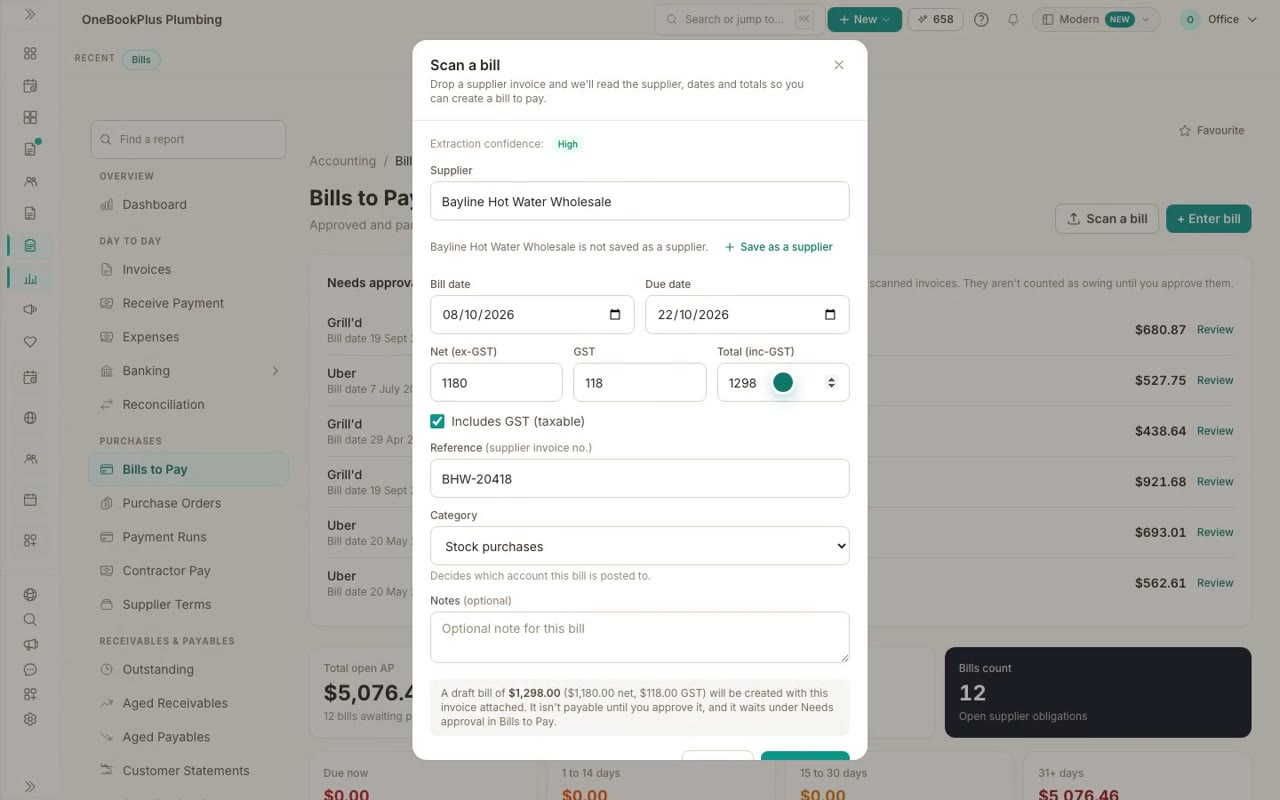
Scan a supplier bill and pay it
Scan a supplier's invoice into a bill, check what it read, approve it, and record the payment, so your books and your GST stay up to date.
 43 sec
Step 4
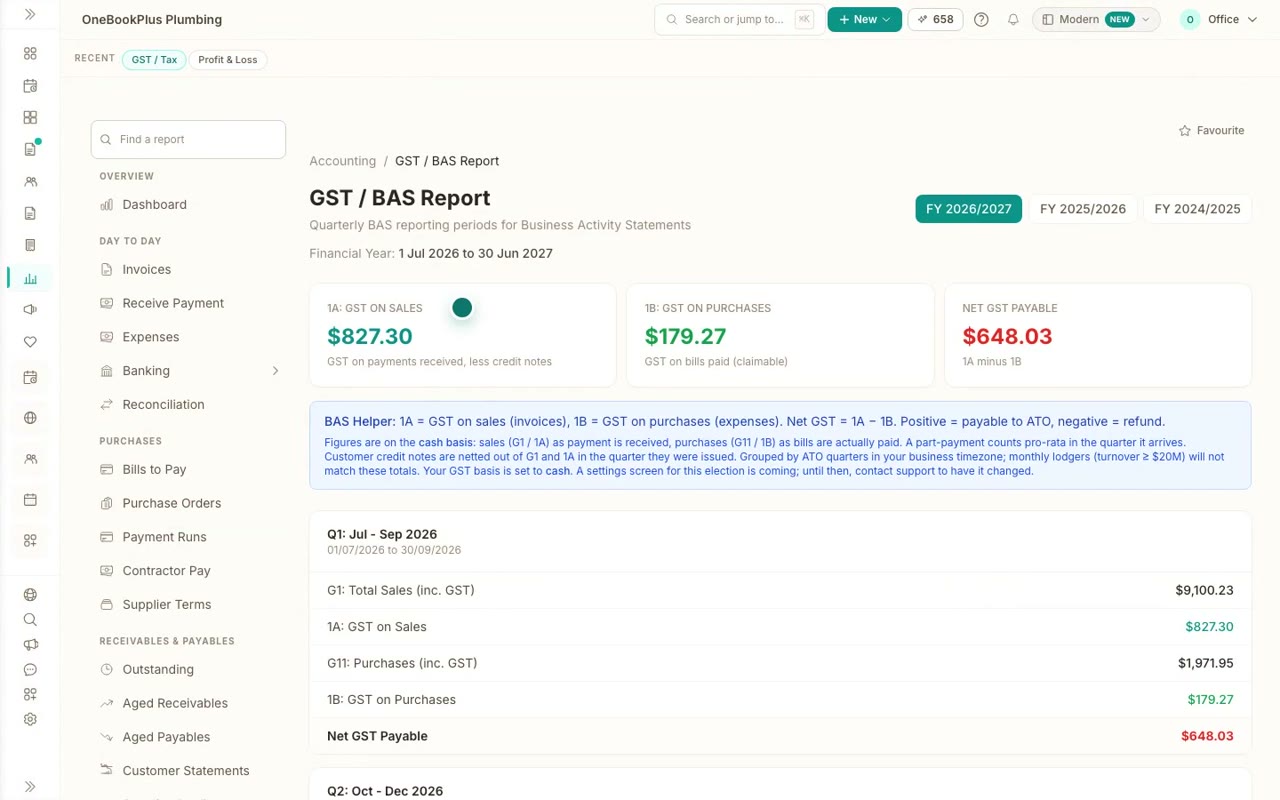
Profit and loss, and your GST for the BAS
Read your Profit and Loss by year and month, and your GST / BAS report: GST on sales, GST on purchases and what you owe, quarter by quarter.
For trades
Every step of a job, one at a time
In the order you would set things up and use them. Every video has its steps and a full transcript on its page.
 41 sec
Step 1
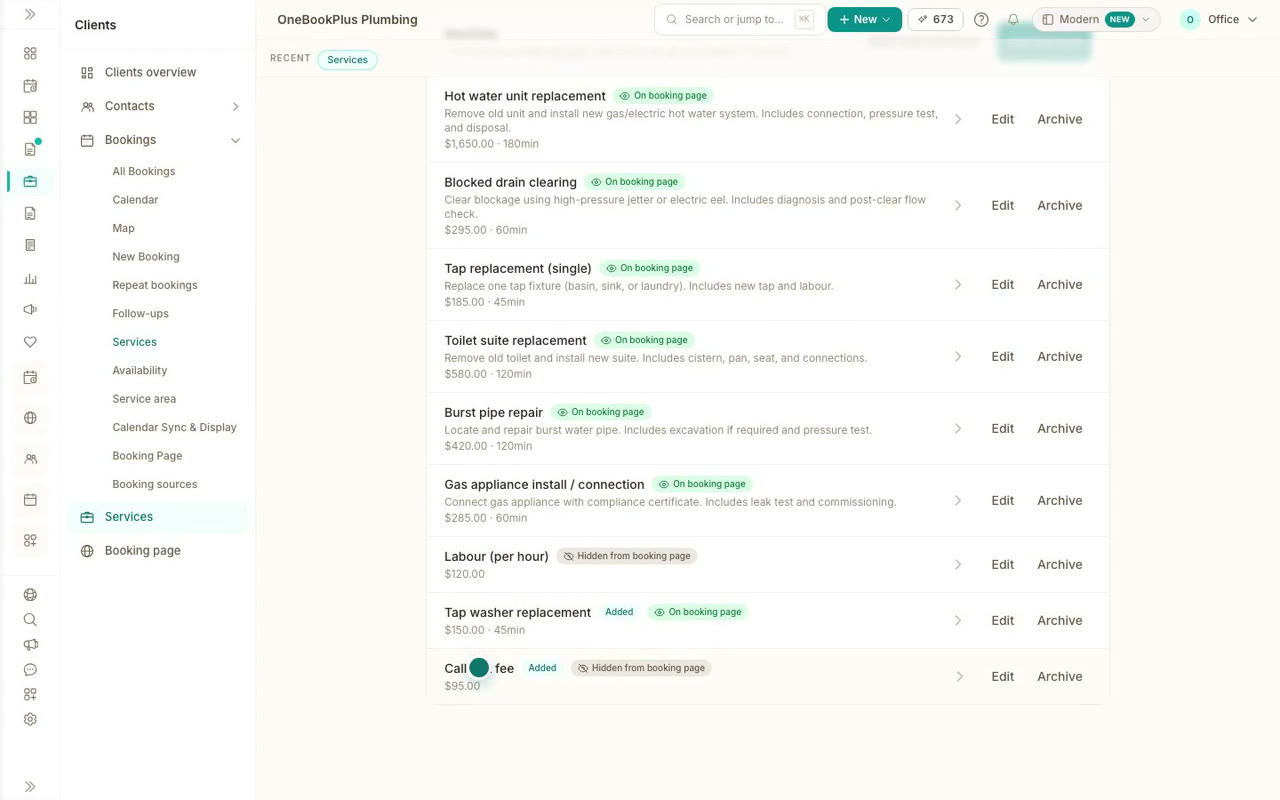
Add your services and prices
Add the work you do and what you charge once, and every price is ready for your booking page, your quotes and your invoices.
36 secStep 2
Set up your booking page
Make a booking page that takes job requests with the address and photos, switch on quote requests, and share the link.
 48 sec
Step 3
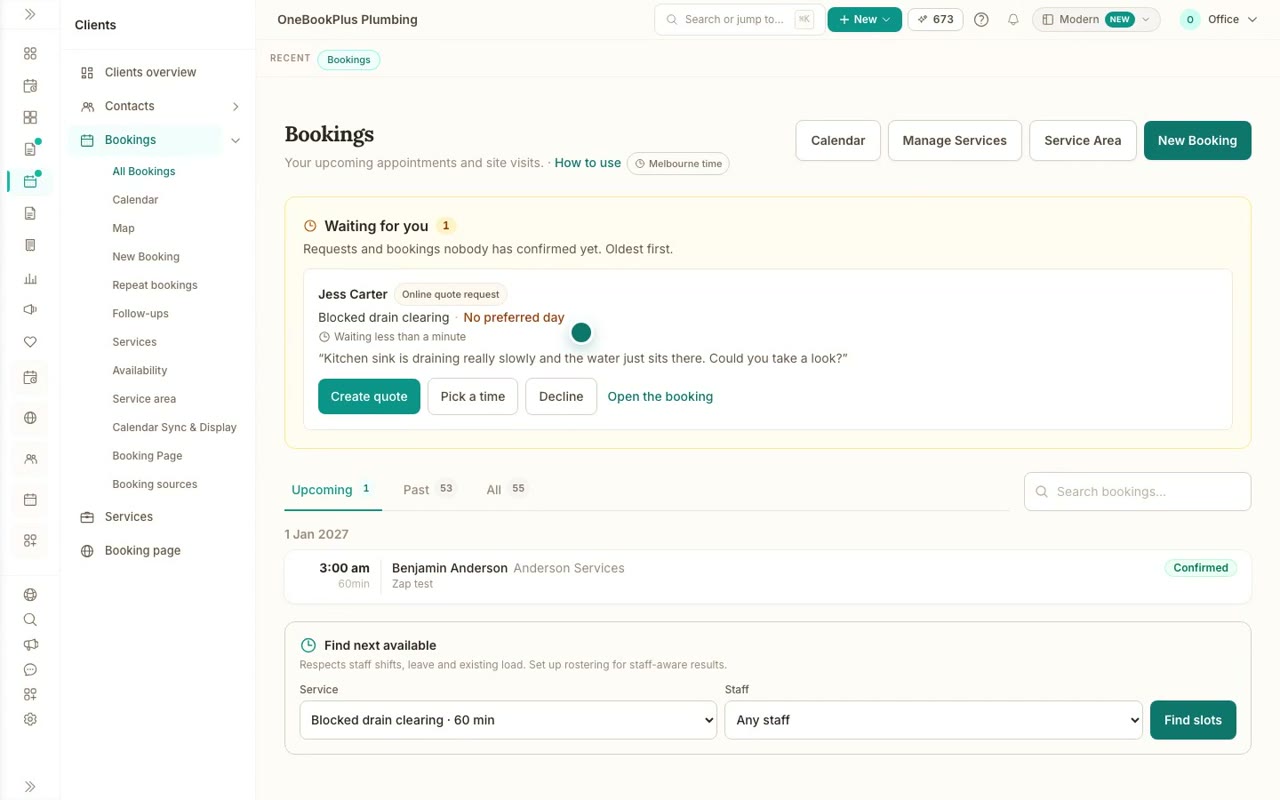
Quote requests from your booking page
See a customer ask for a quote from your booking page, with photos of the job, and turn the request into a draft quote.
 36 sec
Step 4
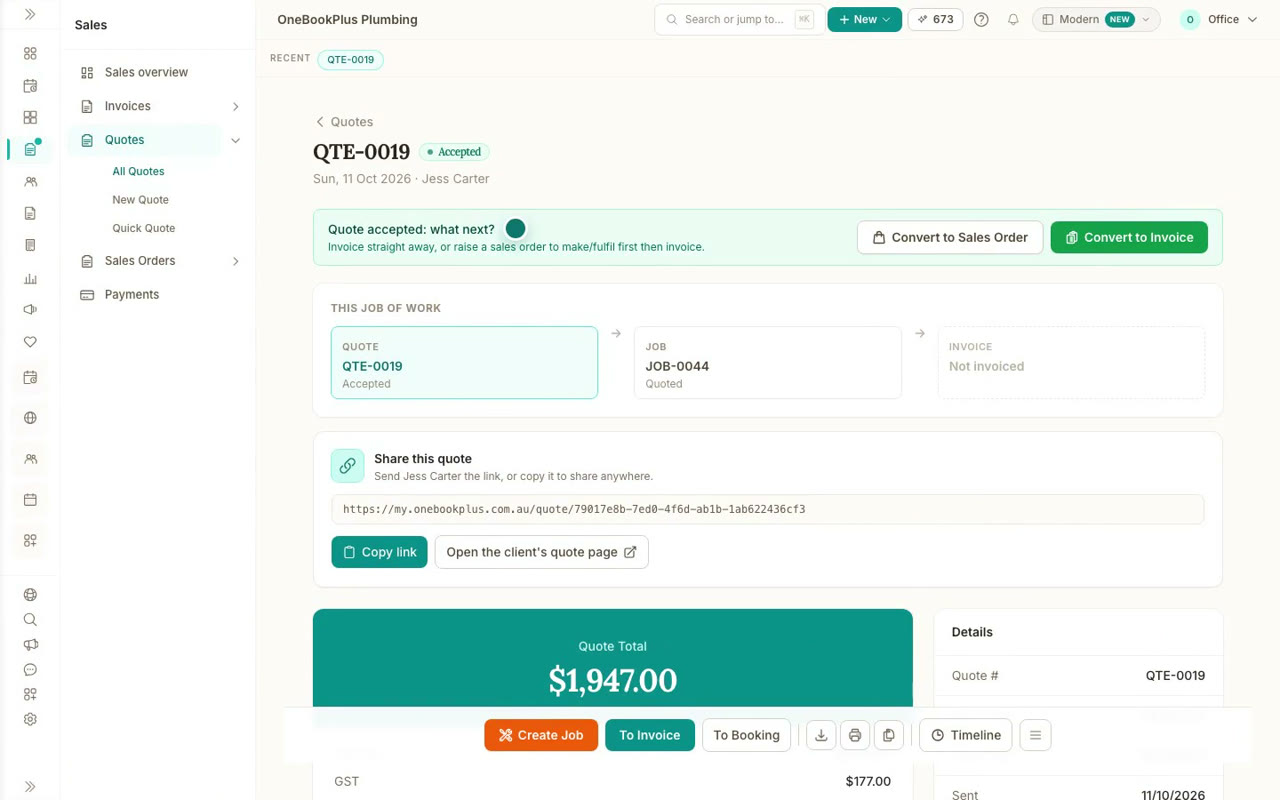
Send a quote and get it accepted
Build a quote from your saved prices, email it to your customer, and see them accept it online with one click.
 37 sec
Step 5
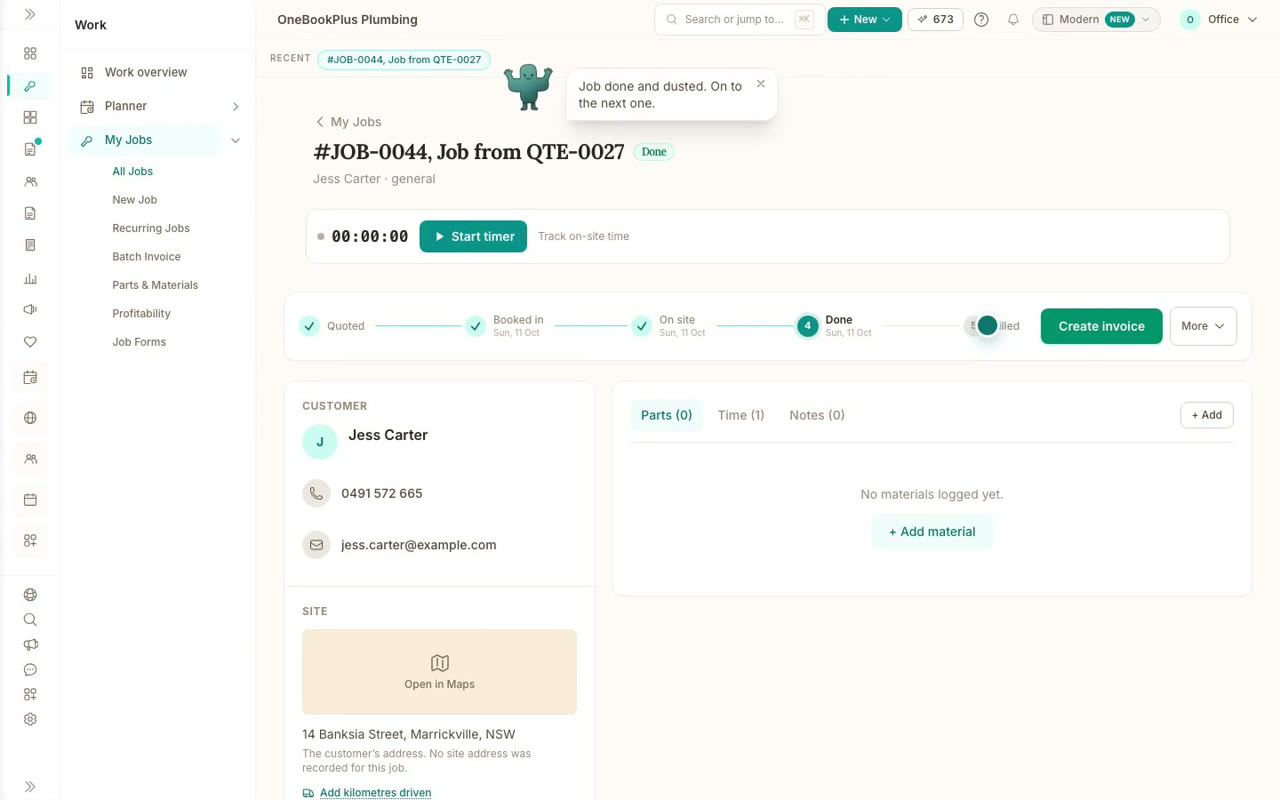
Schedule a job and run it on the day
Put an accepted job in the calendar, text your customer when you are on the way, and log your hours with the job timer.
 38 sec
Step 6
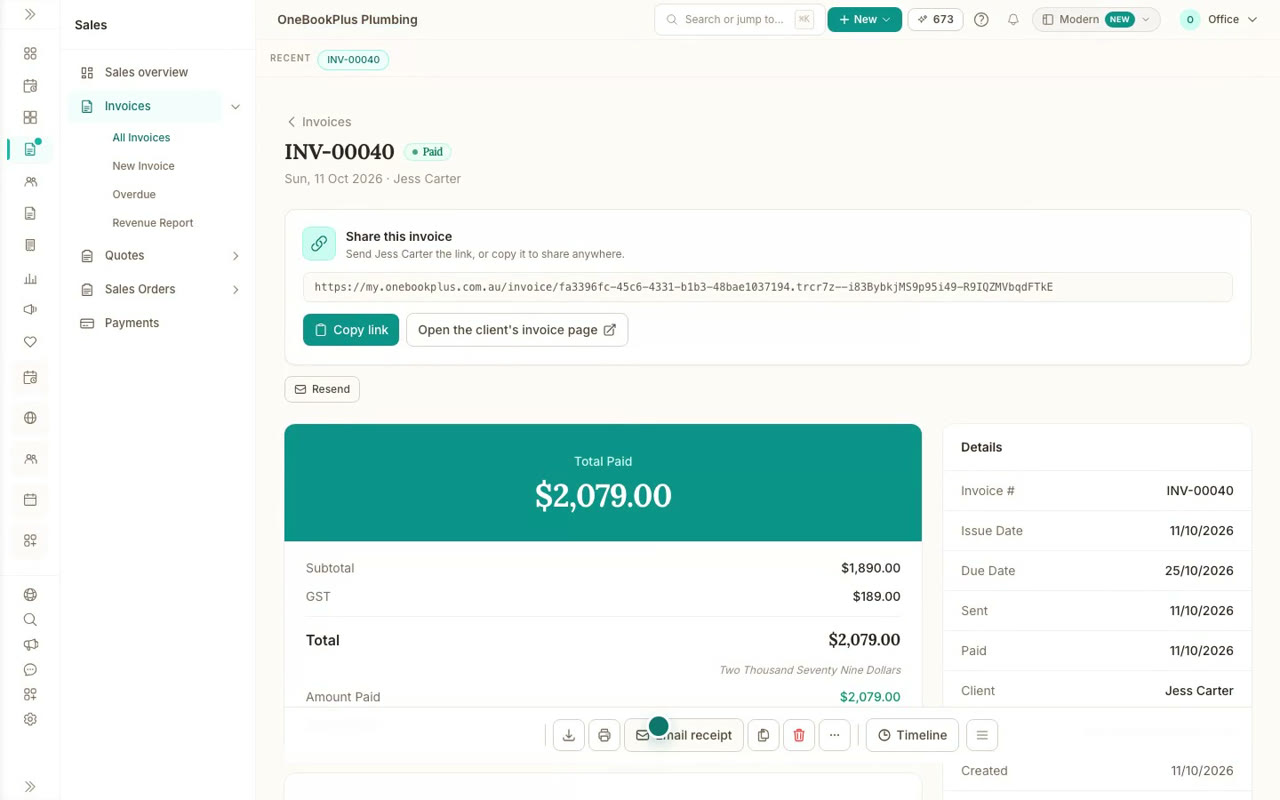
Invoice the job and get paid
Turn an accepted quote into an invoice without retyping a line, send it, and mark it paid when the money comes in.
 34 sec
Step 7
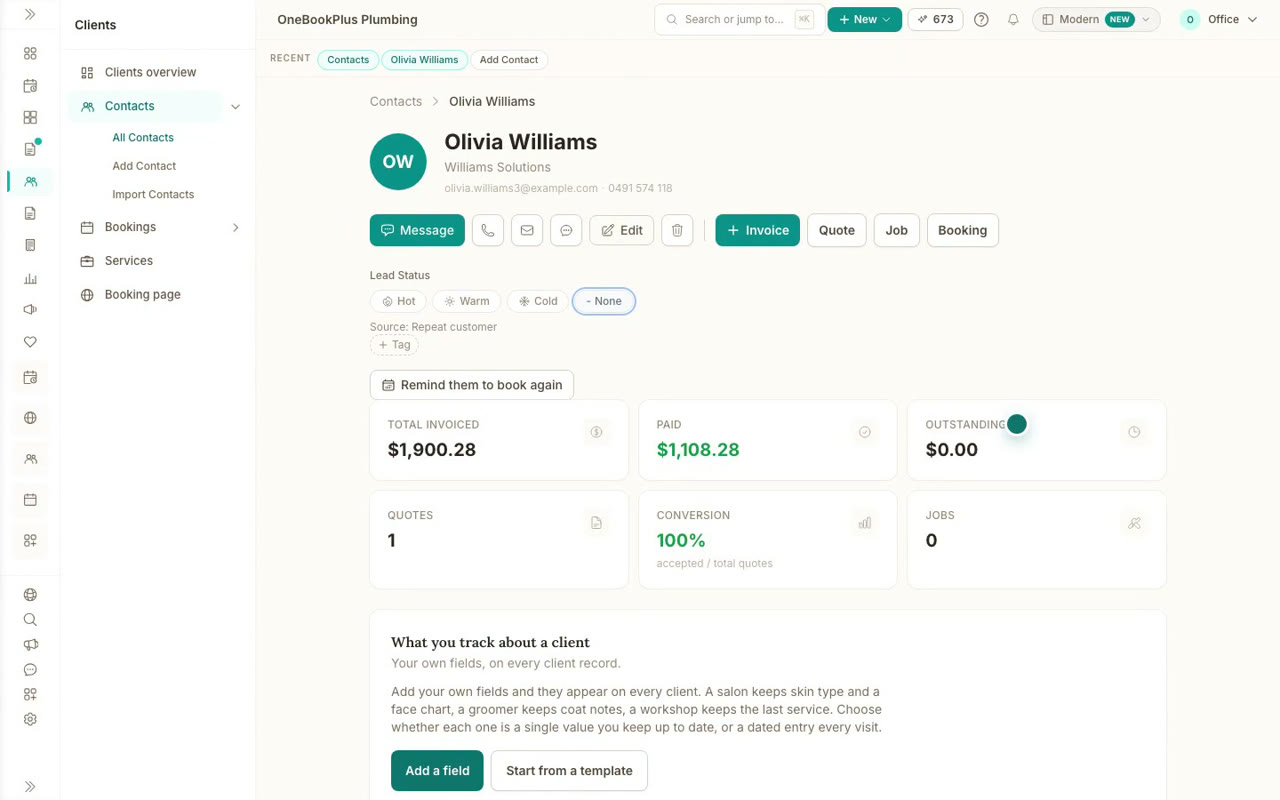
Your customers and their history
Add a customer, then see every quote, invoice and booking for them on one timeline, with what they have paid and what they owe.
Driving schools
Running a driving school
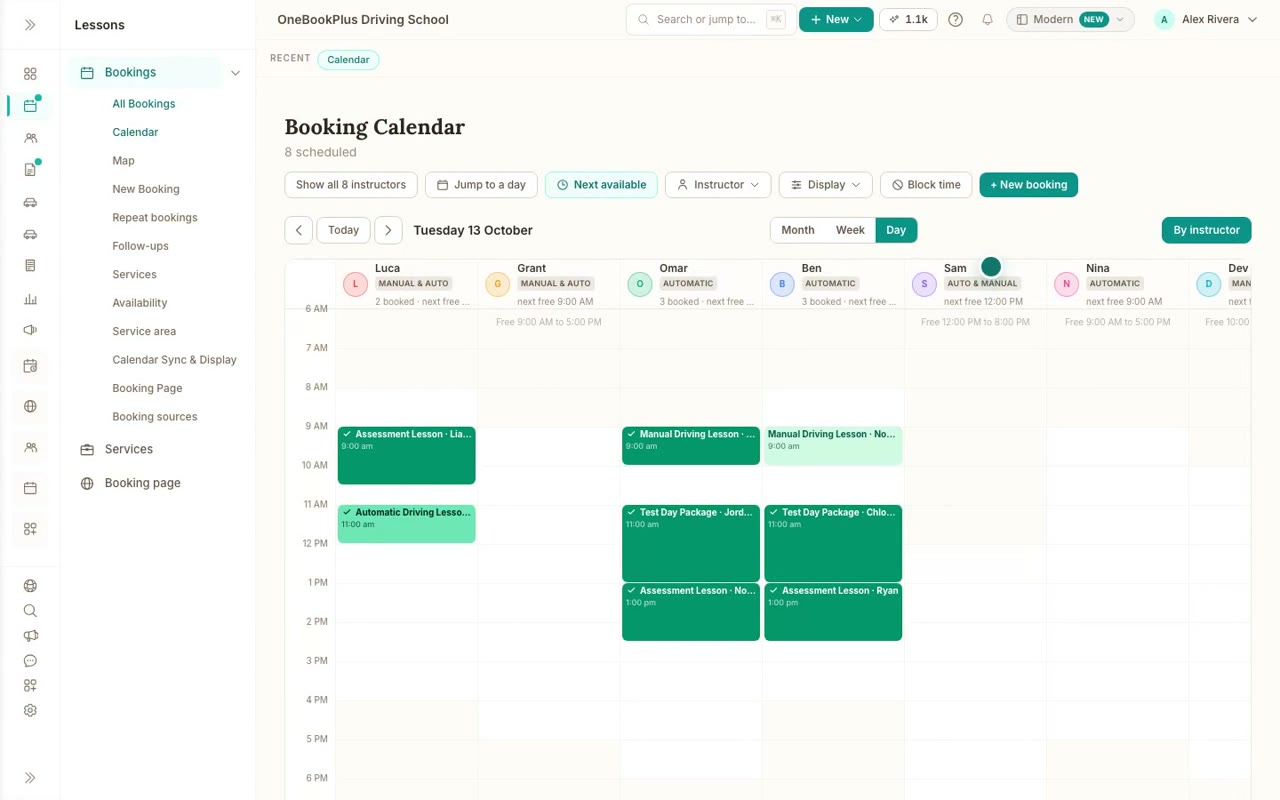
Lesson types and test days, prepaid packages and credits, instructors and cars, progress notes, and how learners book. Filmed on our demo driving school.
 8 min 3 sec
Step 1
The full driving school tutorial
The full tutorial for driving schools, in nine chapters: lesson types and test days, instructors and areas, cars and compliance, packages and credits, learners booking online, the day's lessons, progress notes and instructor pay.
 41 sec
Step 2
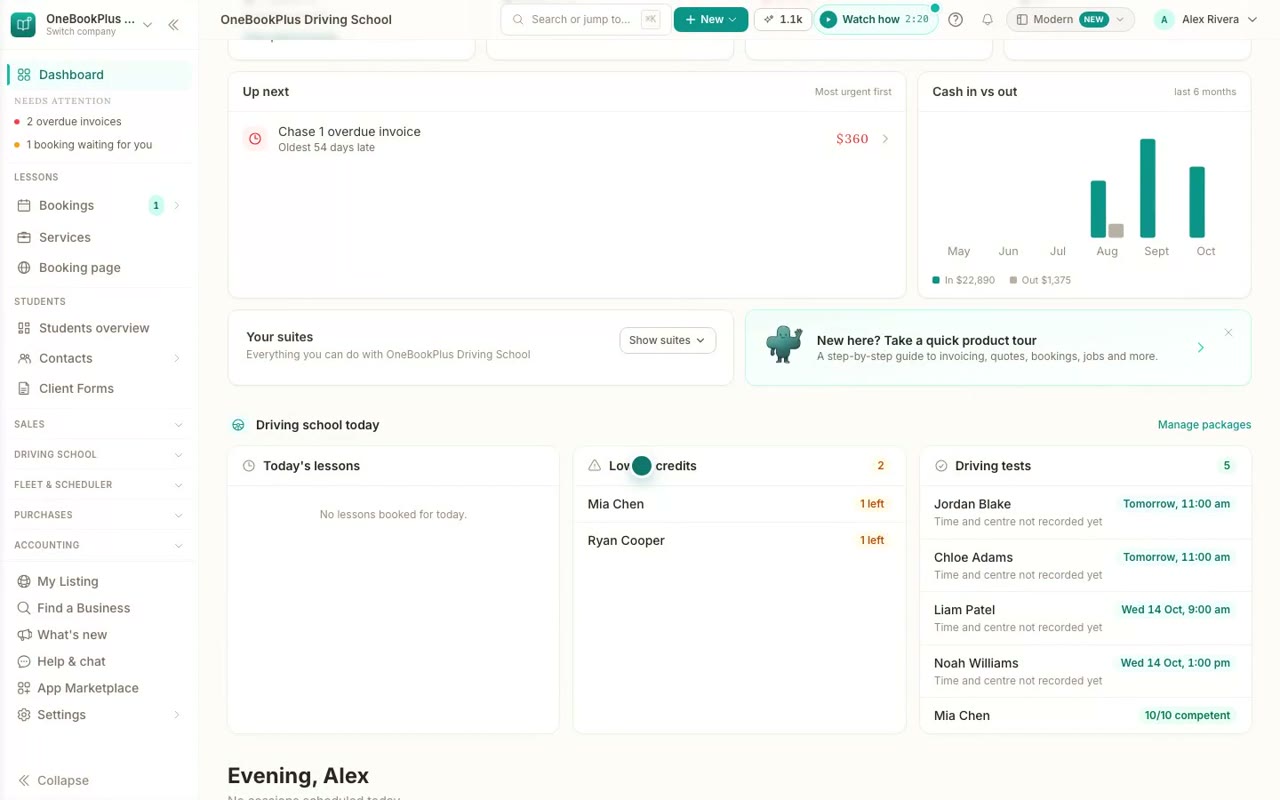
Your driving school in OneBookPlus
A quick tour for driving schools: today's lessons and tests on your home page, where packages, credits and progress live, your fleet and instructors, and the two apps that add them.
 51 sec
Step 3
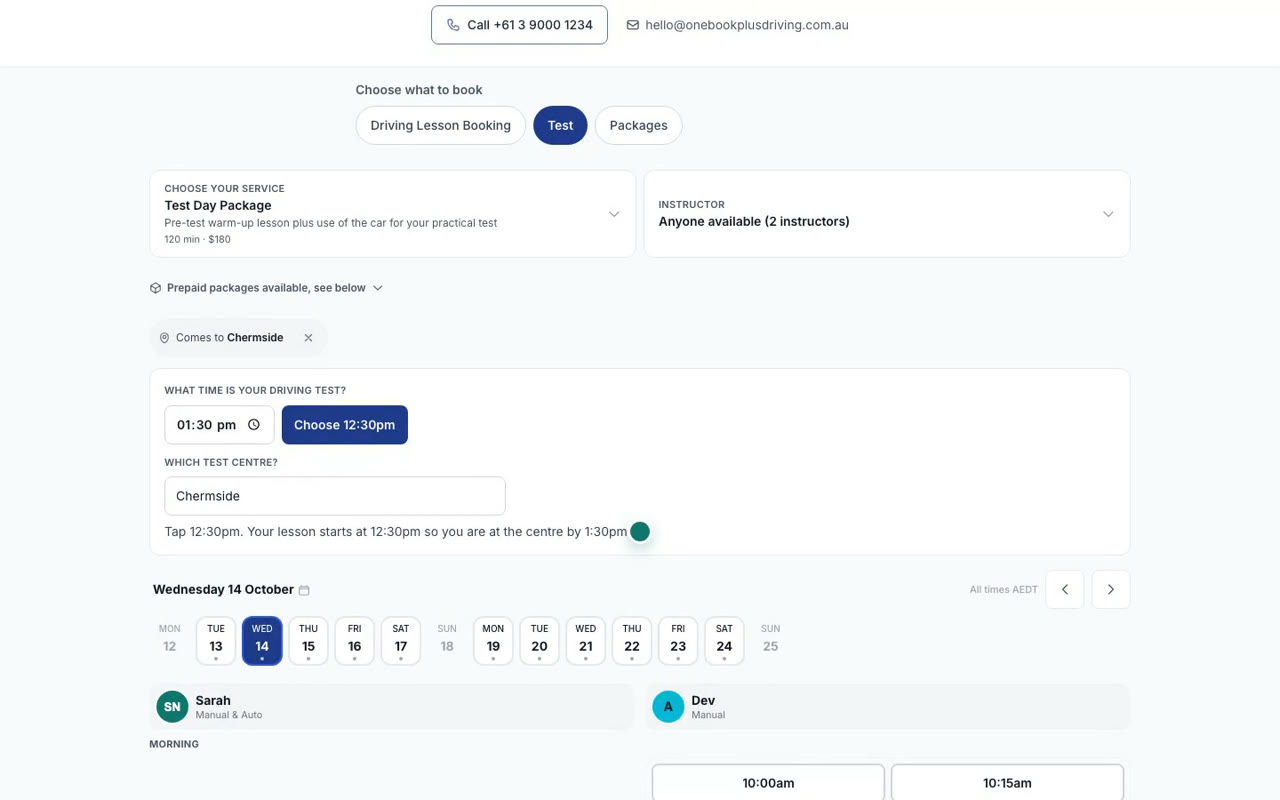
Lesson types and test days
Set up your lesson types, mark a lesson as a driving test day, and see your booking page work back from a learner's test time to the right start.
 43 sec
Step 4
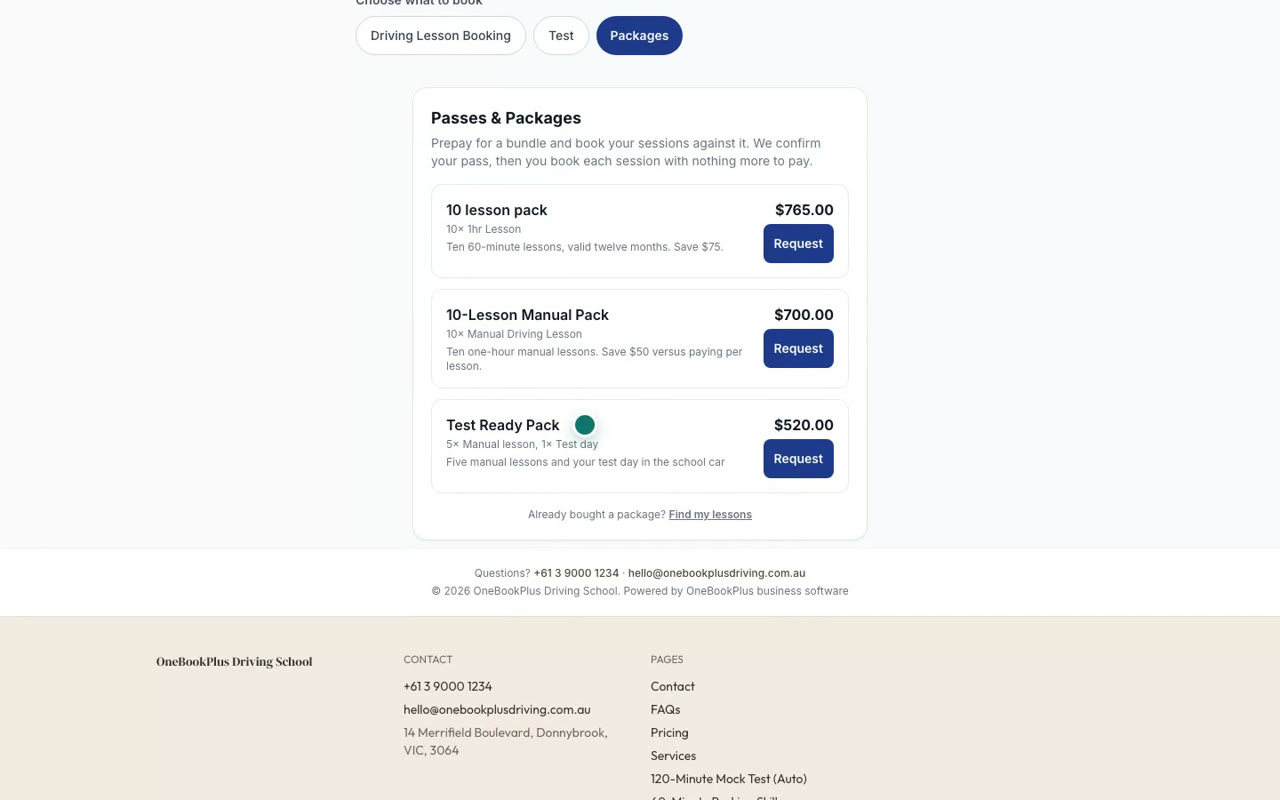
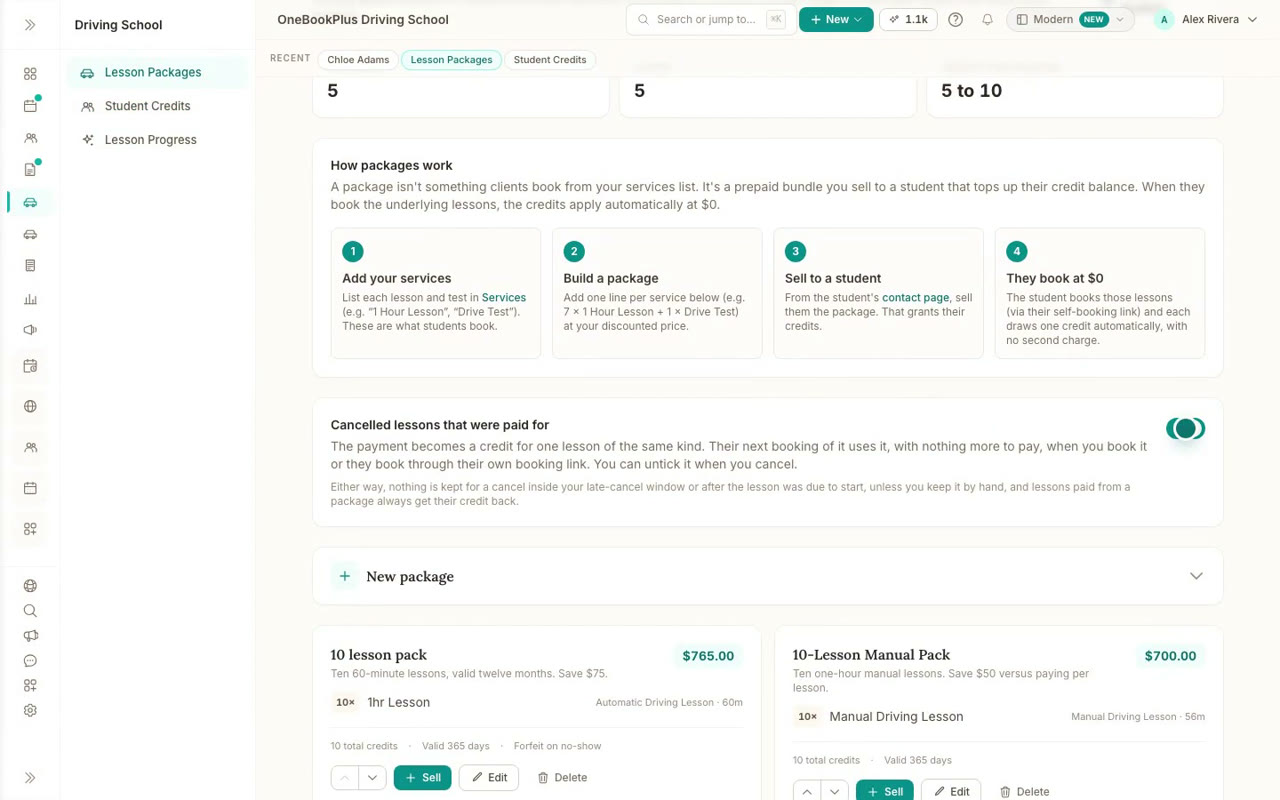
Lesson packages
Build a prepaid lesson package with its lessons, price and expiry, and offer it for learners to request on your booking page.
 41 sec
Step 5
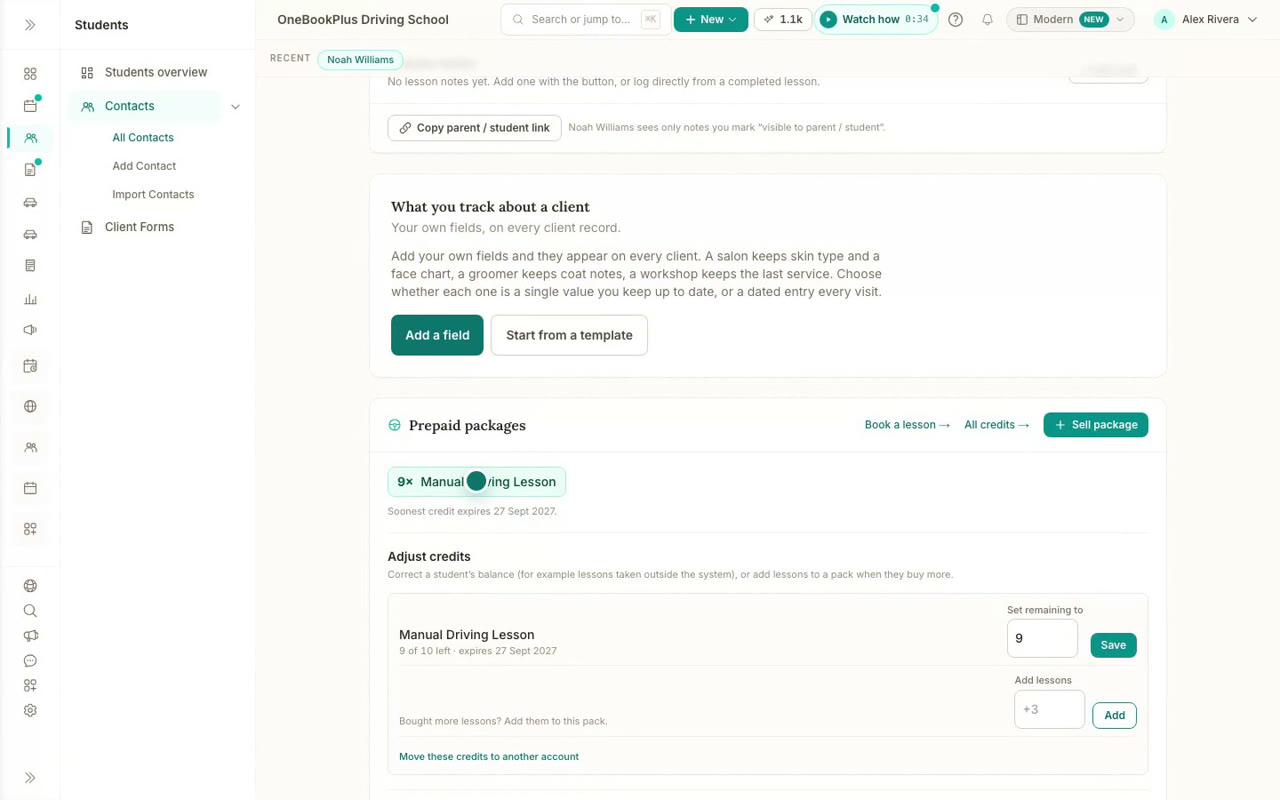
Sell a package and track credits
Sell a lesson package from a student's page, see their credits and when they expire, and turn paid lessons that are cancelled in time into credits.
 42 sec
Step 6
The learner's own booking link
Send a learner their own booking link. It greets them by name, shows their prepaid lessons, and books against their credits with nothing more to pay.
 55 sec
Step 7
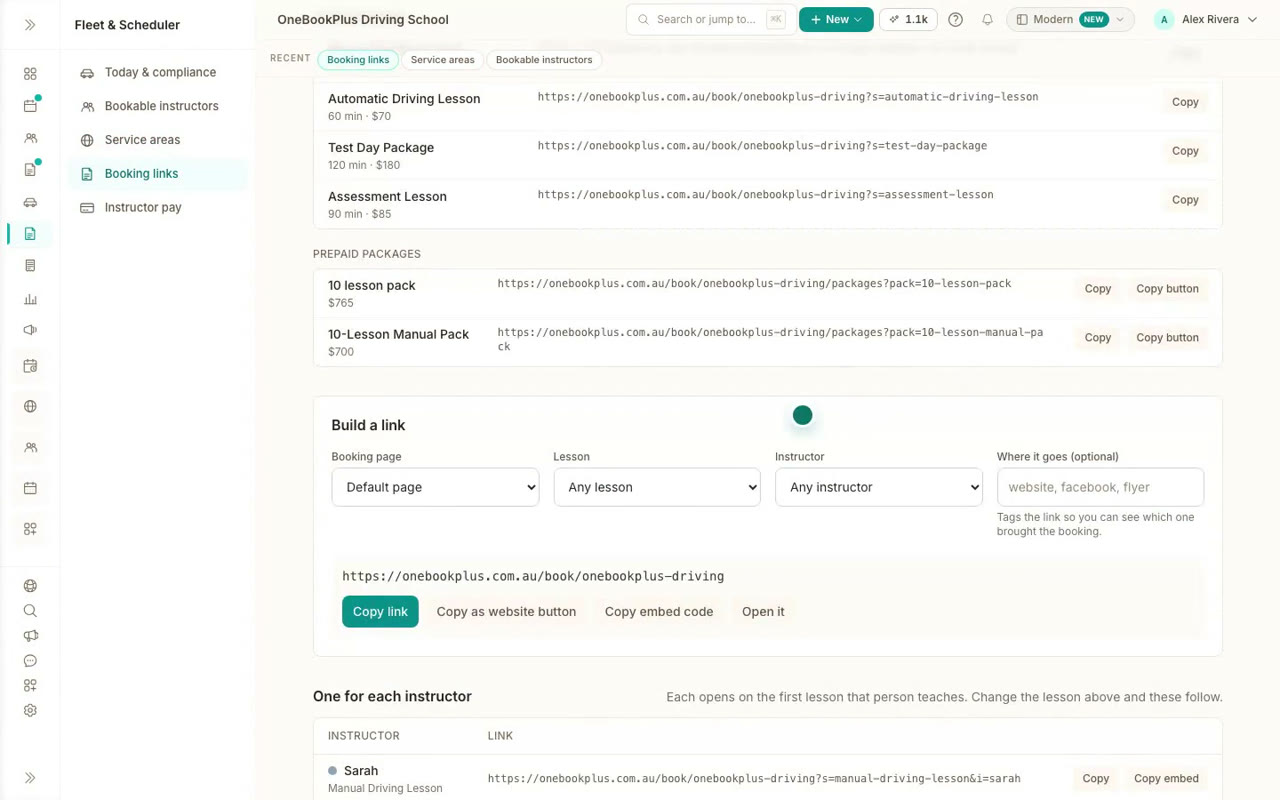
Instructors, their hours and areas
Turn instructors on for online bookings, choose the lessons each one teaches and when, the suburbs they cover, and share a booking link for each.
 46 sec
Step 8
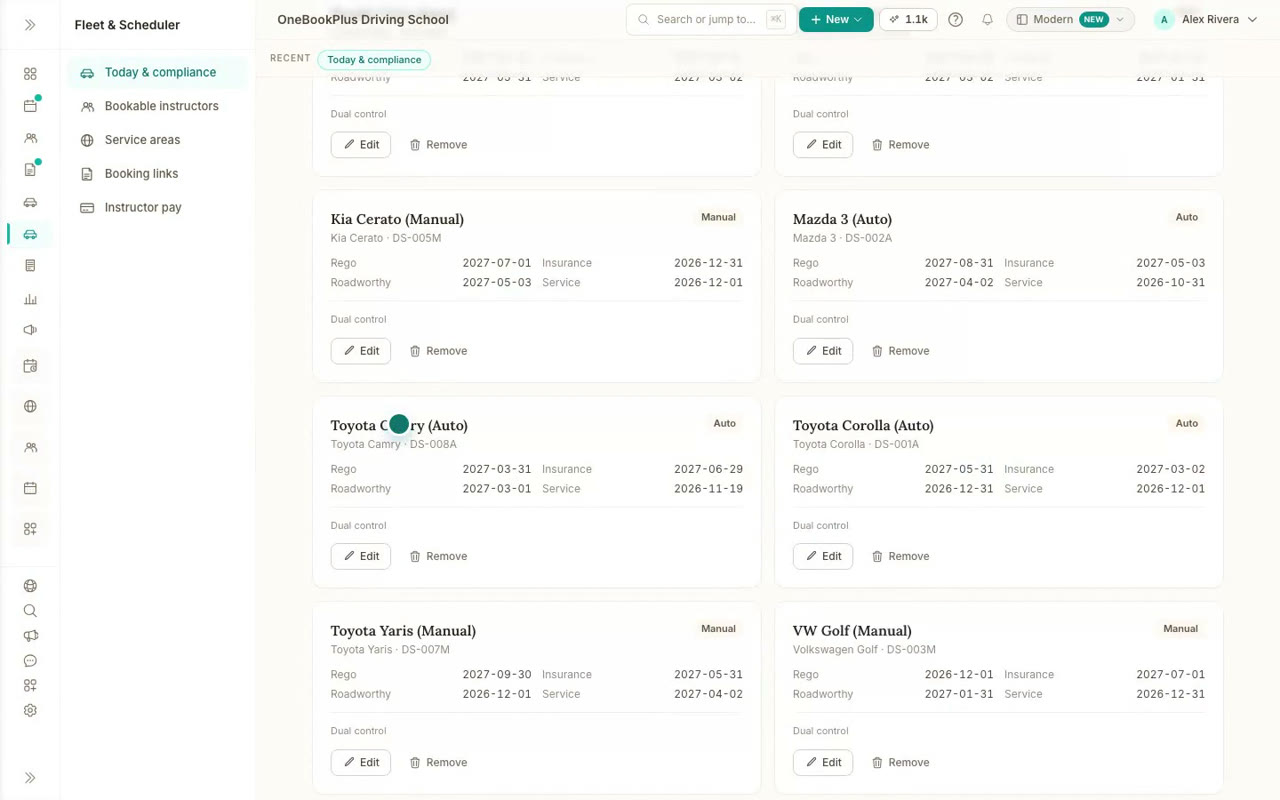
Cars and compliance
See which cars are out today and what falls due in the next 60 days, then add a car with its rego, insurance, roadworthy and service dates.
 47 sec
Step 9
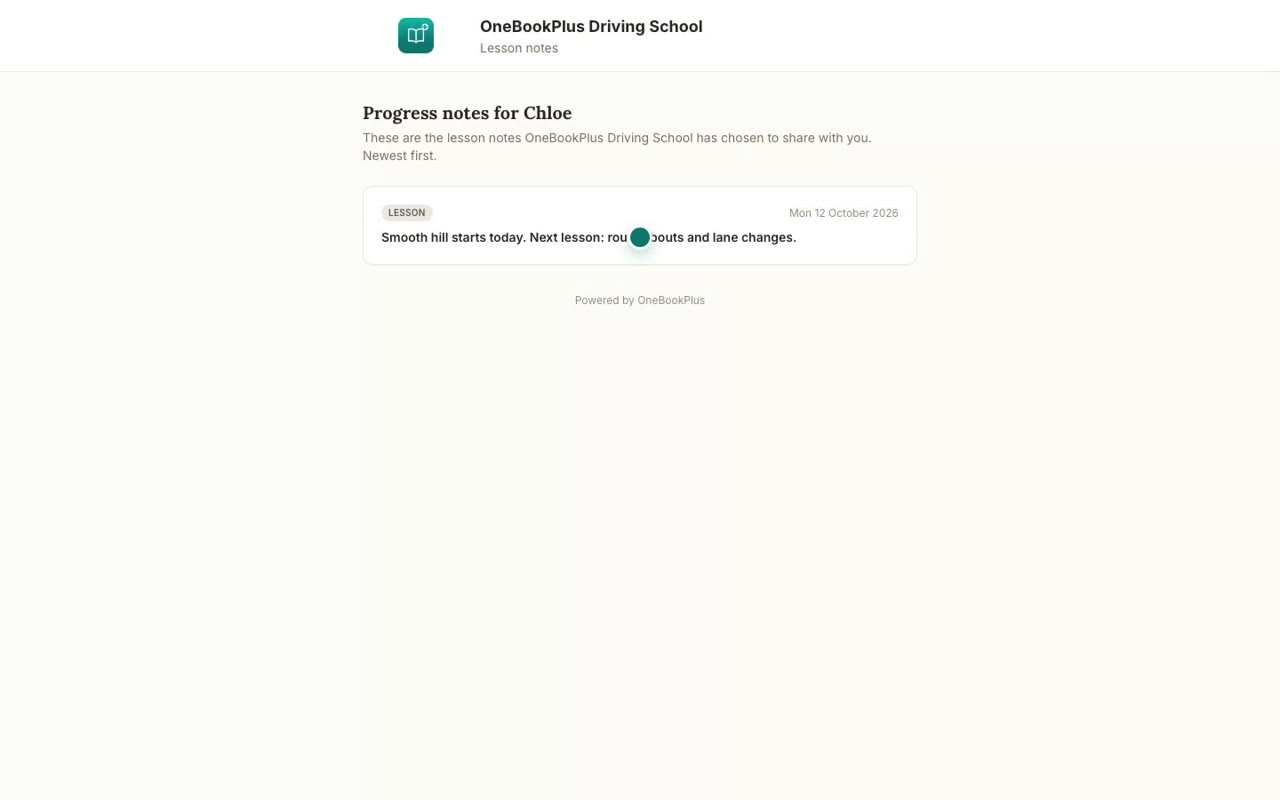
Lesson progress and notes
Track each learner against your syllabus, print or email their progress, and share lesson notes with the learner and their parents.
 46 sec
Step 10
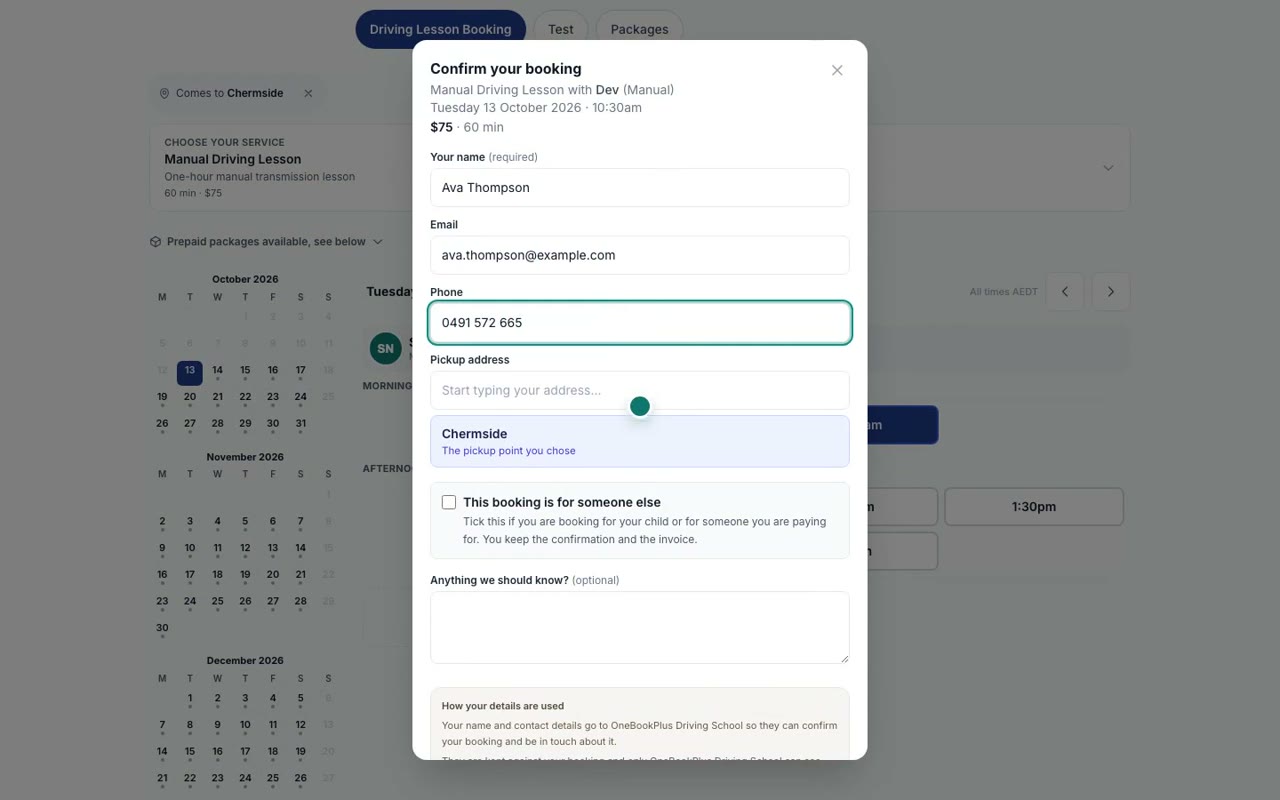
How learners book online
Follow a new learner booking a lesson online: the lesson, their pickup suburb, a free instructor and time, and their details, then the booking on your side.
Cleaning
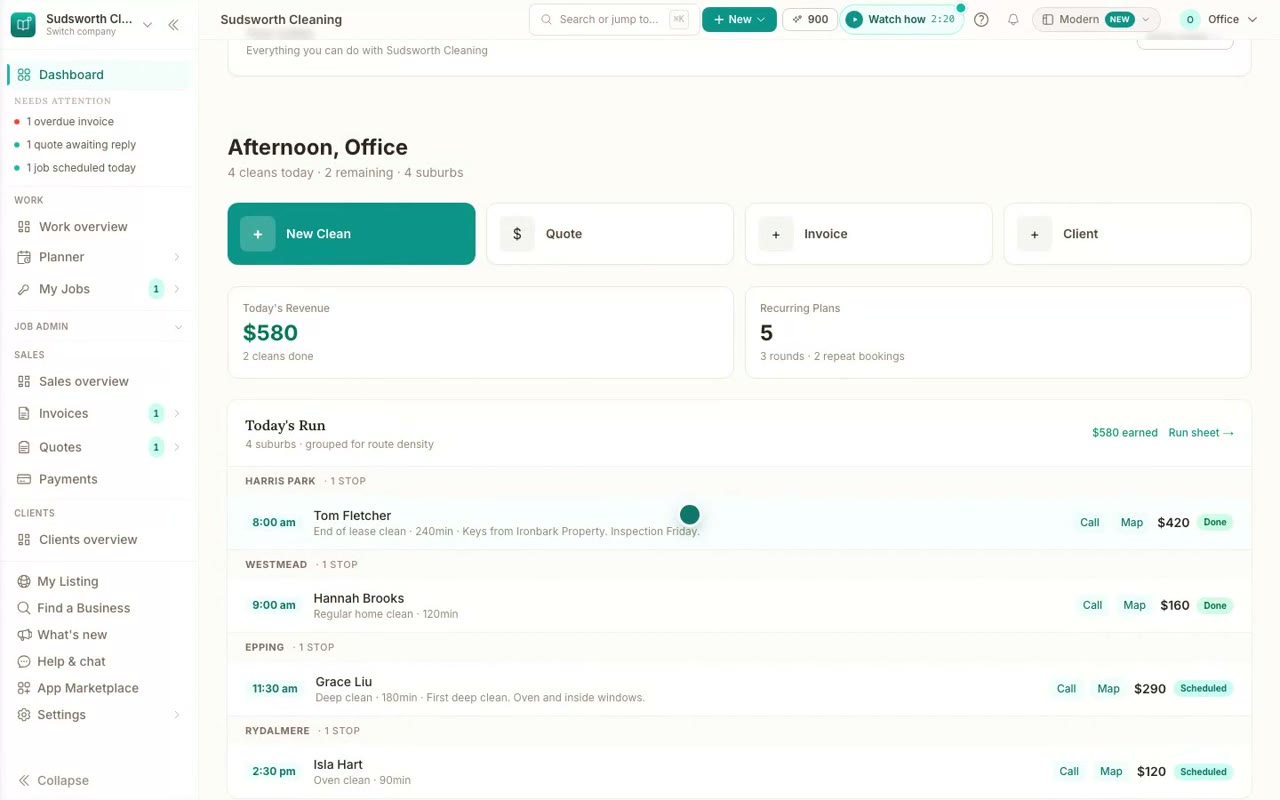
Running a cleaning business
Repeat clients and cleaning rounds, bond clean checklists with before and after photos, sending the scope to the agent, and a booking page for cleaners. Filmed on our demo cleaning business.
 5 min 48 sec
Step 1
The full cleaning business tutorial
The full tutorial for cleaning businesses, in eight chapters: your dashboard, repeat clients, changing a repeat clean, recurring rounds, scope templates, the bond clean checklist, sending the scope, and your booking page.
 41 sec
Step 2
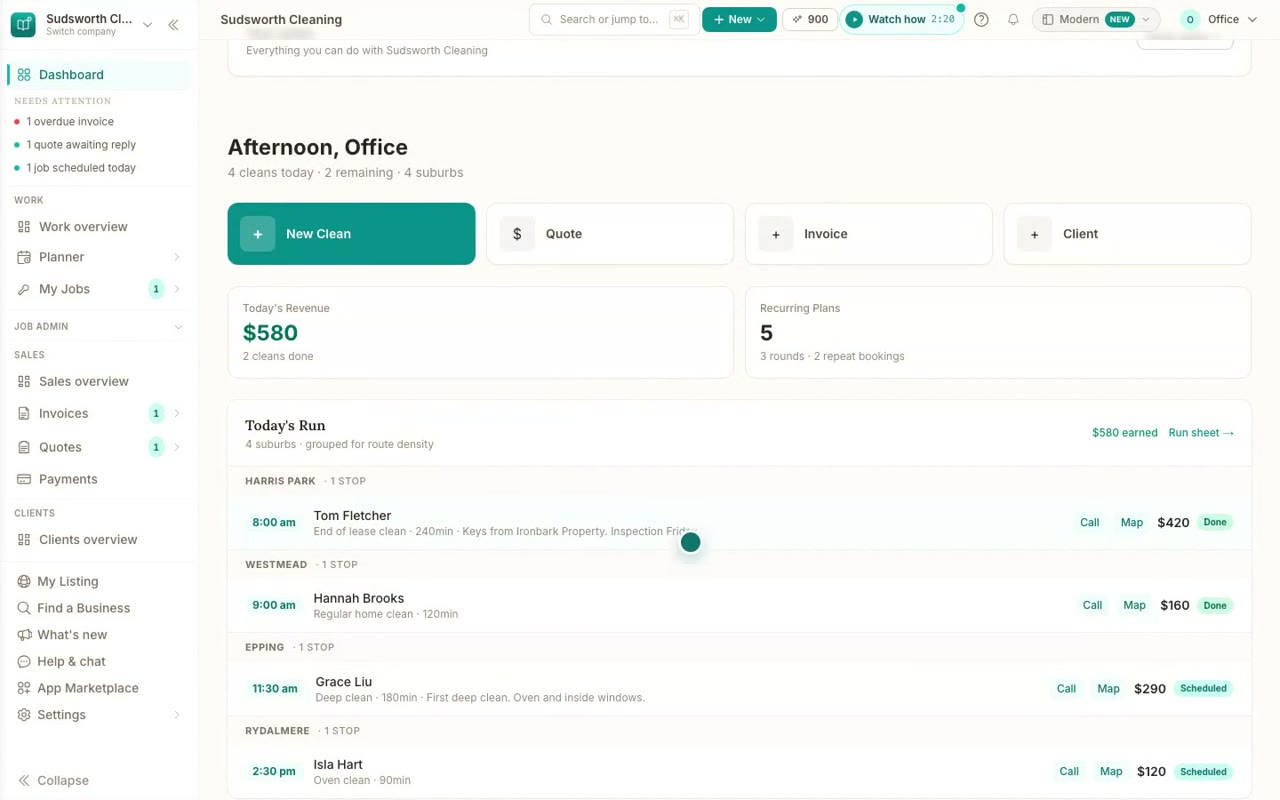
Your cleaning business in OneBookPlus
A quick tour for cleaners: today's run by suburb on your home page, bond cleans under way and cleans to bill, where rounds, properties and repeat bookings live, and the scope templates.
 39 sec
Step 3
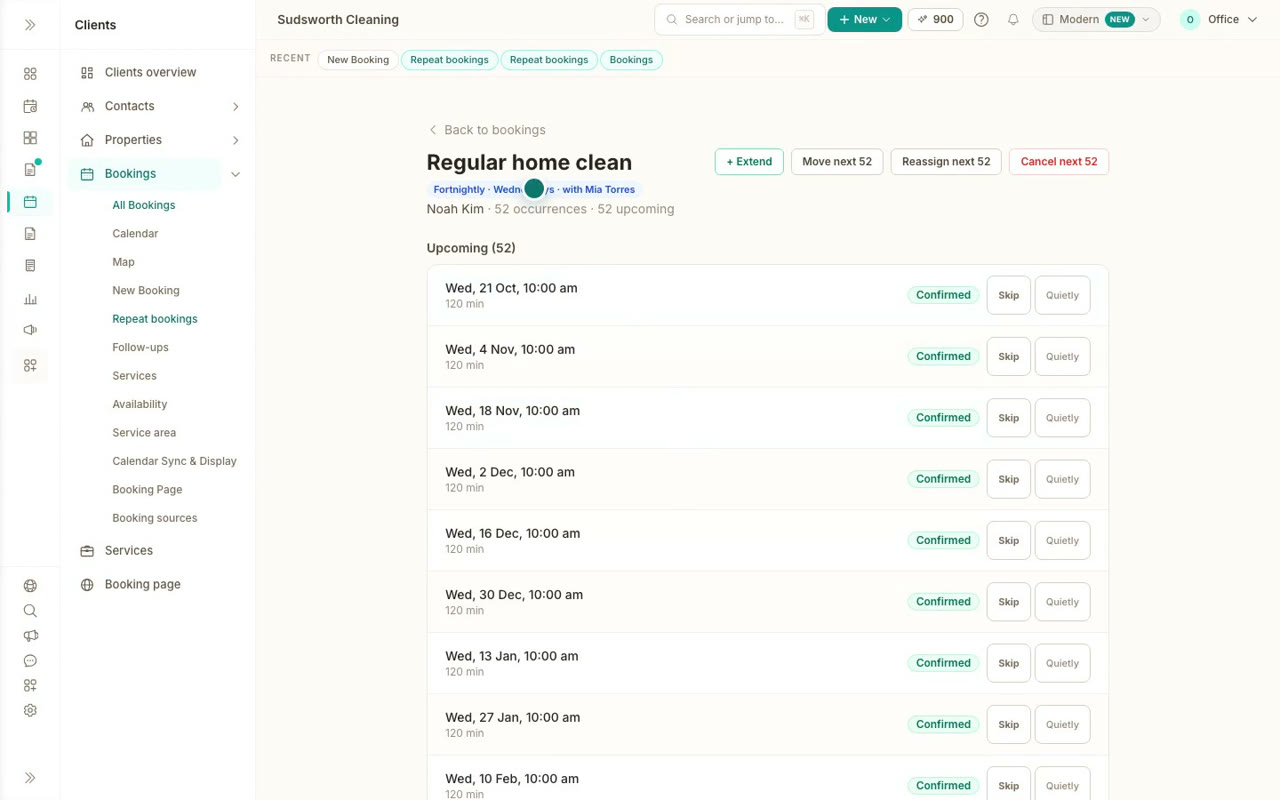
Book a repeat clean
Book a regular client in every fortnight from one booking: the service, the cleaner, the first visit, how often and how many visits, then see the whole series.
 43 sec
Step 4
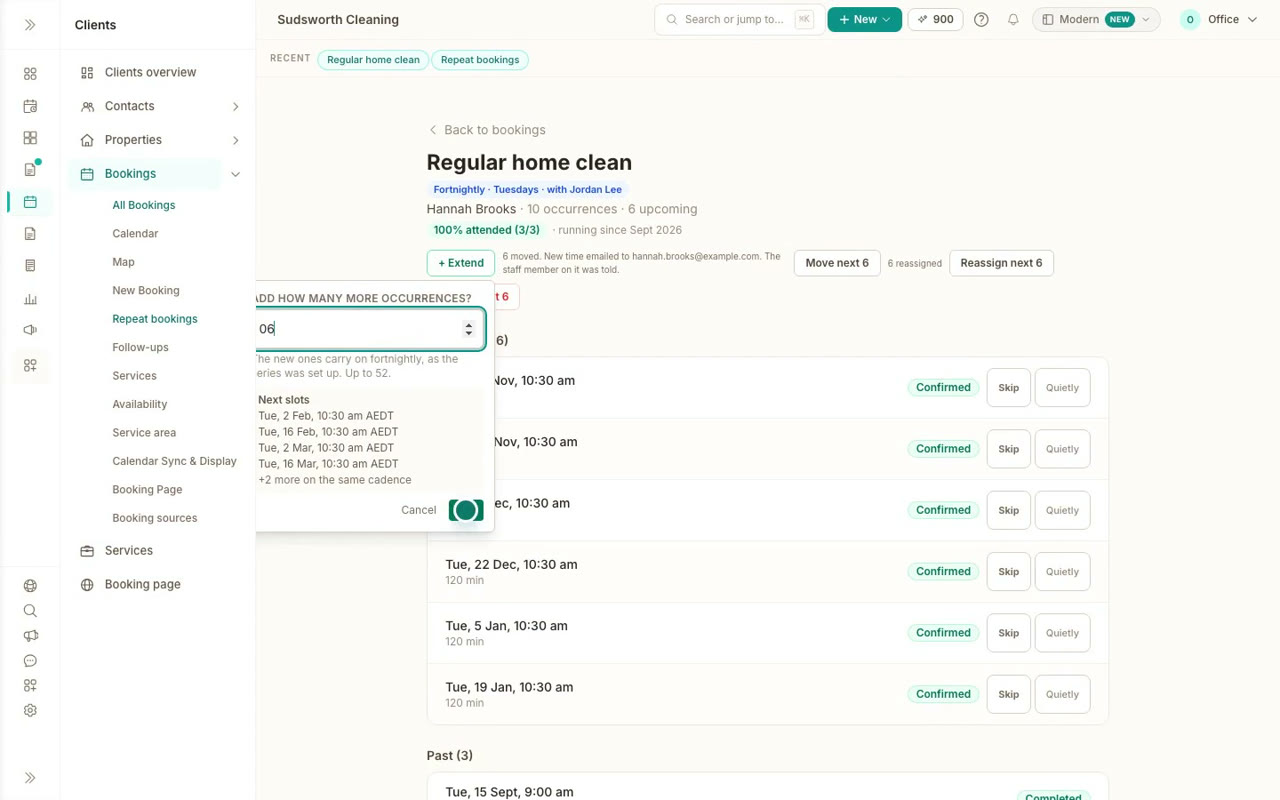
Skip, move or hand over a repeat clean
Change a repeat clean without booking it again: skip one visit, move the rest to a new time, hand them to another cleaner, or add more visits.
 49 sec
Step 5
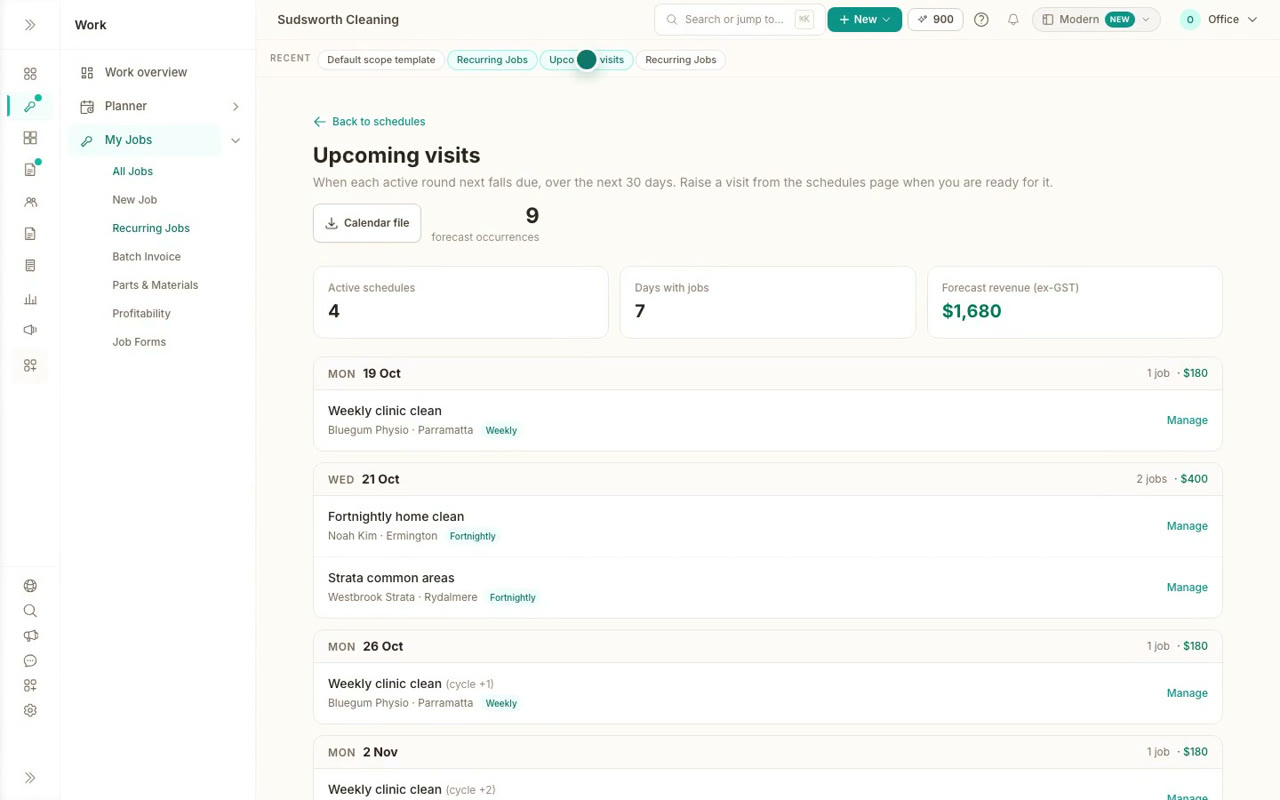
Recurring cleaning rounds with a checklist
Set up a cleaning round that raises each visit as a job, with a reminder to the client before every clean and a scope checklist ready on every visit.
 30 sec
Step 6
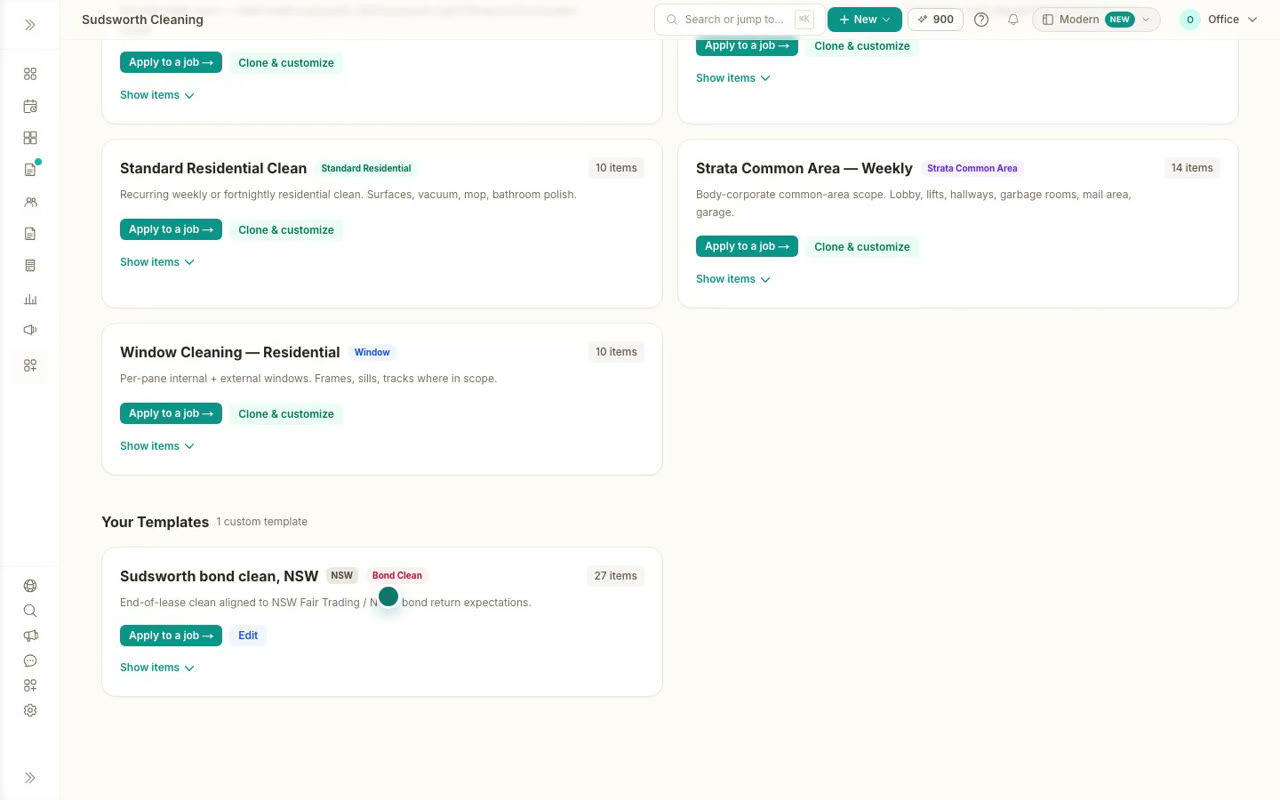
Make a scope template your own
Start from a ready made cleaning checklist, like the NSW bond clean, copy it, add the jobs you always do and save it as your own.
 45 sec
Step 7
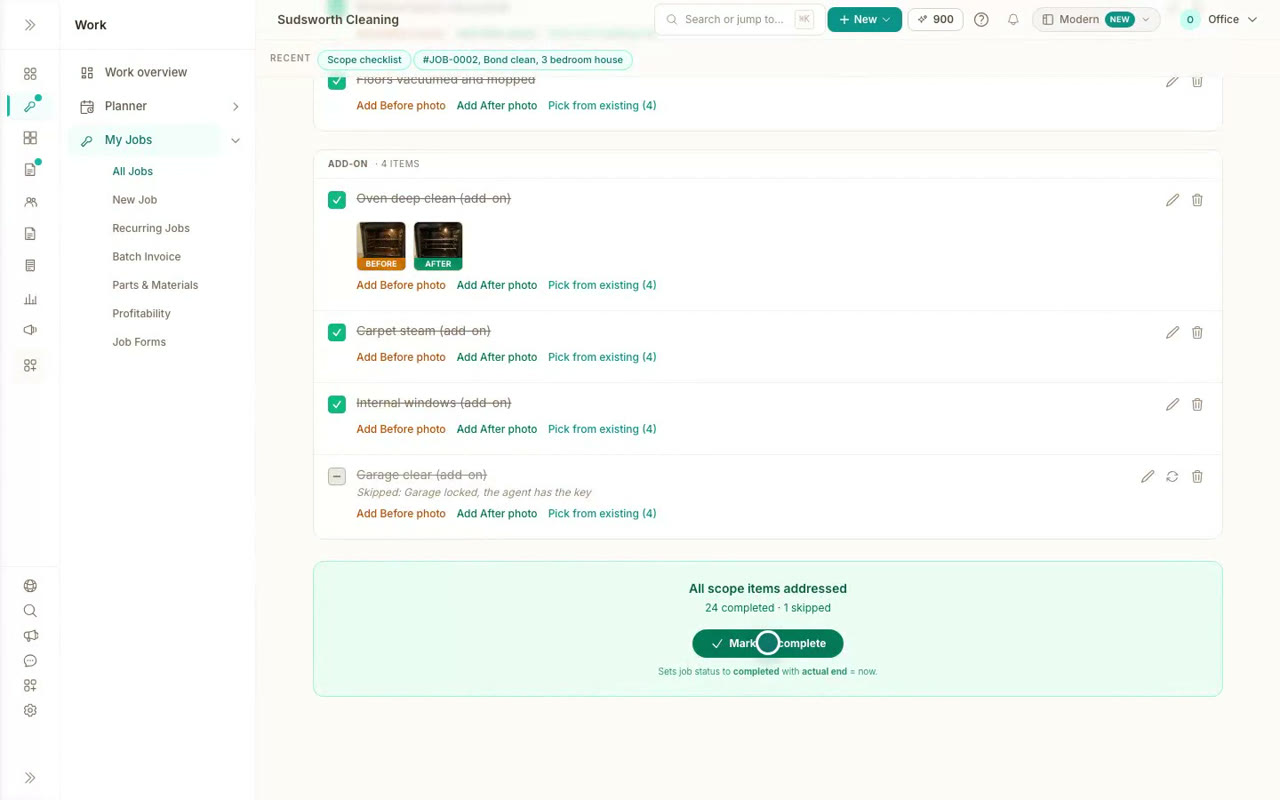
Work through a bond clean checklist
Apply a bond clean checklist to a job, tick rooms off, add before and after photos, skip an item with a reason and finish the job from the checklist.
 34 sec
Step 8
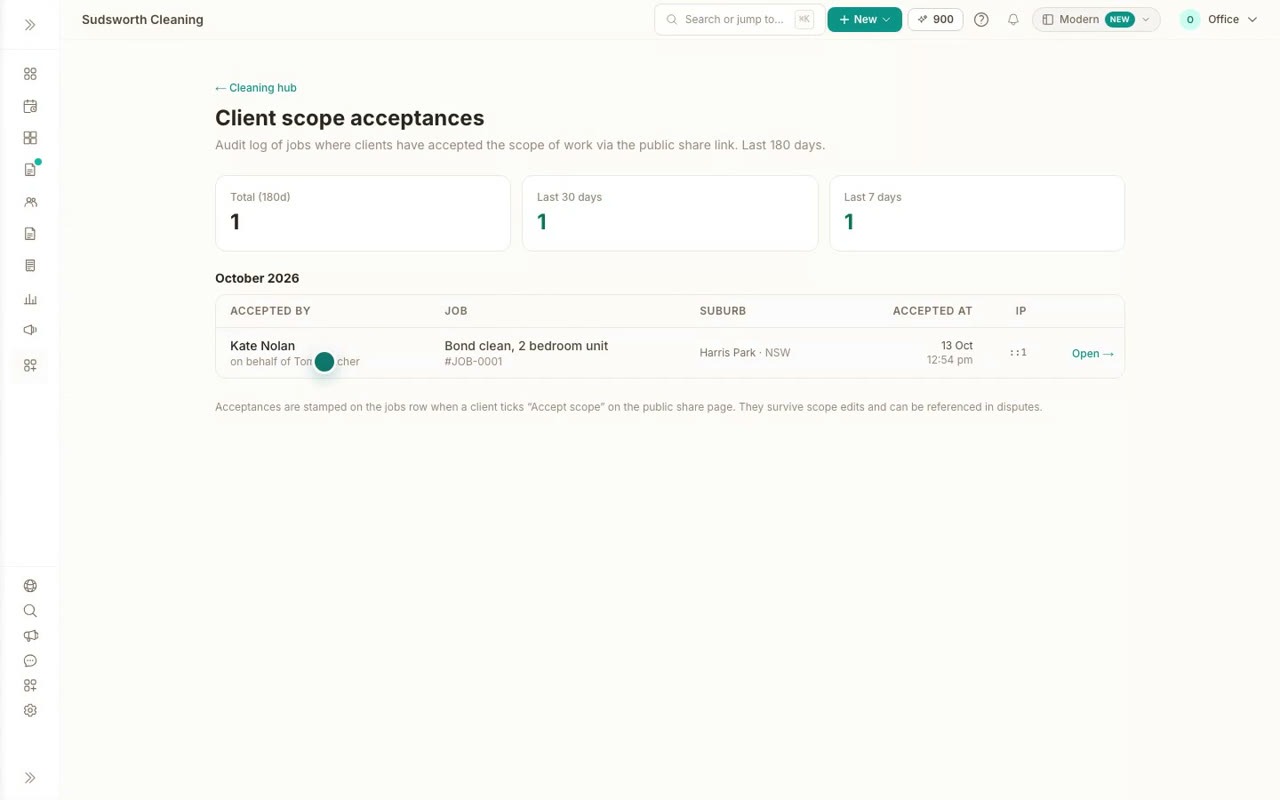
Send the scope to the client or agent
Email the scope as a PDF to the property manager, or share a live link where the client sees the progress and approves the scope with their name.
 48 sec
Step 9
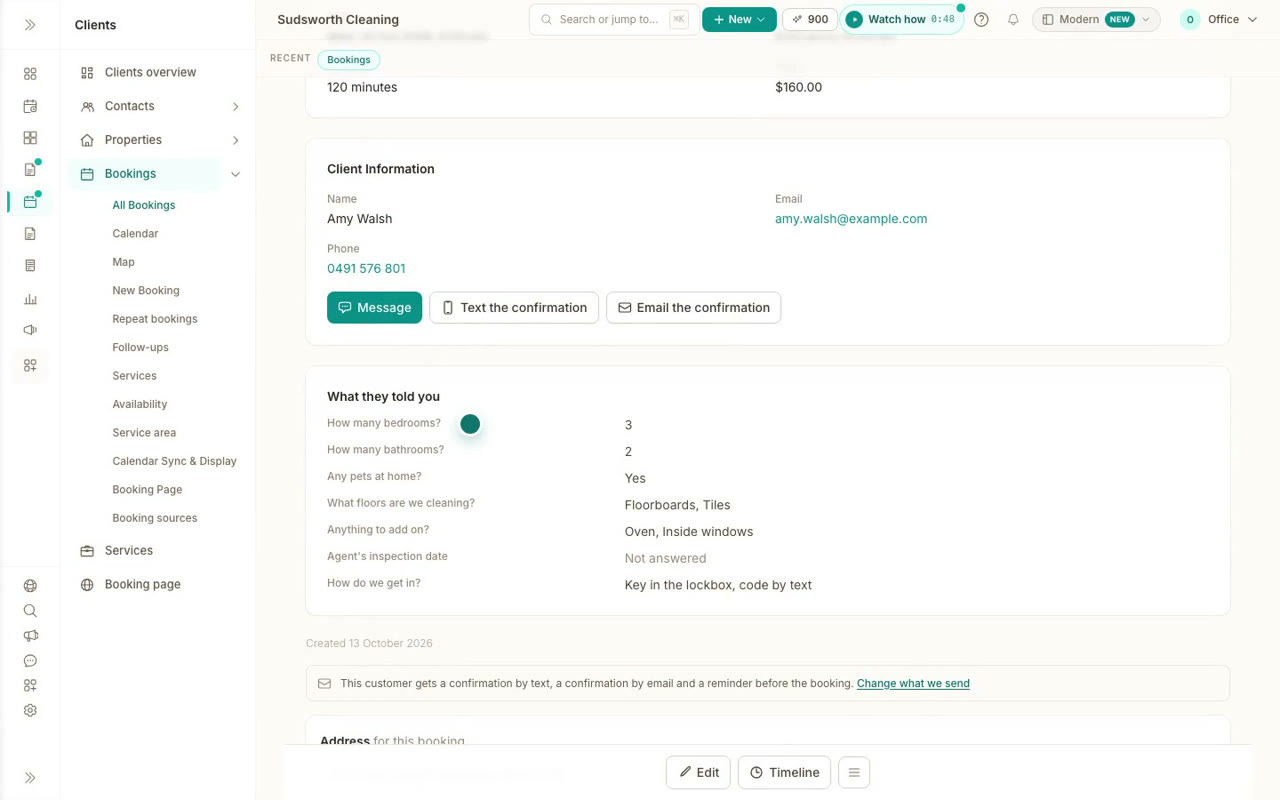
A booking page for your cleaning business
List the suburbs you travel to, ask your cleaning questions on your booking page, and see a client book a clean with their address and answers.
Try it on your own business
Everything in these videos works on a free account. For written steps, the Help Centre has an article for each one.